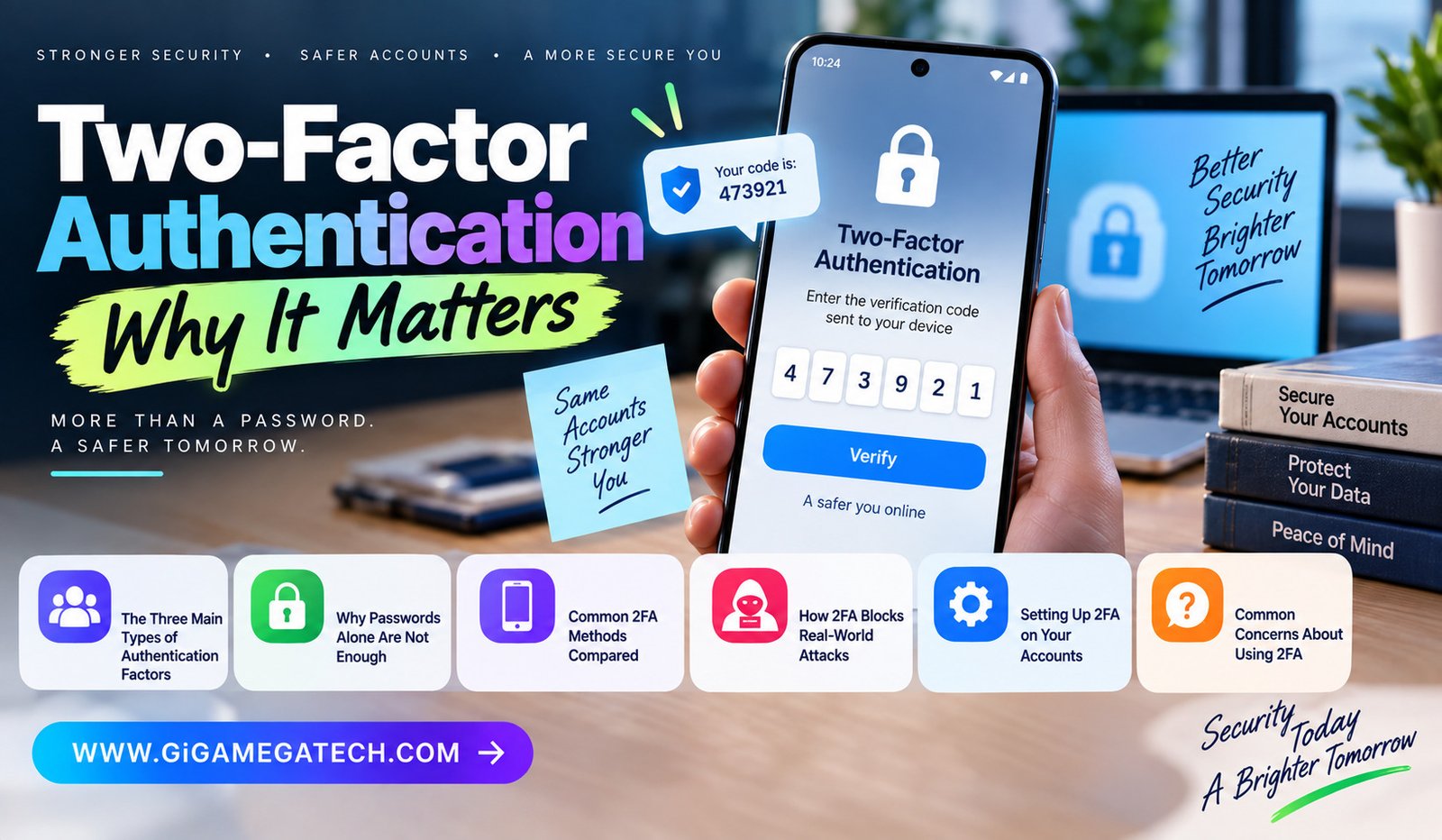
A stolen password used to mean an account was gone for good. Two-factor authentication, often shortened to 2FA, changes that by adding a second checkpoint an attacker also needs to get past. This guide explains why it matters, how it works, and what to expect when you turn it on for your own accounts.
The idea behind 2FA is simple: instead of relying on one piece of proof to confirm your identity, you provide two different kinds. Even if someone steals your password, they still hit a locked second door.
What Two-Factor Authentication Actually Is
Two-factor authentication requires two different types of proof before granting access to an account. This differs from just entering a password twice, since that would still count as a single type of proof.
Basic Definition
- A security process requiring two different forms of identity verification
- Also referred to as two-step verification or dual-factor authentication
- A specific form of the broader category called multi-factor authentication, or MFA
- Used to reduce reliance on passwords alone as the only line of defense
The key word is “different.” Two passwords are not two-factor authentication, since both come from the same category of proof.
The Three Main Types of Authentication Factors
Security experts generally group authentication methods into three broad categories. True 2FA combines two of these categories rather than relying on just one.
Knowledge: Something You Know
- Passwords, PINs, and answers to security questions fall into this category
- Considered the weakest factor on its own, since it can be guessed, phished, or leaked
Possession: Something You Have
- A smartphone, hardware security key, or smart card
- Usually verified through a one-time code, a push notification, or a physical tap
Inherence: Something You Are
- Biometric data, such as a fingerprint or facial scan
- Difficult to replicate, though not impossible with advanced spoofing techniques
Combining a knowledge factor with a possession or inherence factor forces an attacker to compromise two very different systems instead of just one.
Why Passwords Alone Are Not Enough
Passwords remain the most common way accounts get compromised, largely because people reuse them and attackers have gotten efficient at stealing them.
How Passwords Get Compromised
- Phishing emails that trick users into entering credentials on fake login pages
- Data breaches that expose passwords stored by other companies
- Malware that captures keystrokes directly from an infected device
- Simple brute-force guessing against weak or short passwords
Compromised credentials play a role in a meaningful share of data breaches overall. Since a stolen password alone grants full access to an account, that single point of failure is exactly what 2FA is designed to remove.
Common 2FA Methods Compared
Not all forms of two-factor authentication offer the same level of protection. Understanding the differences helps you choose the strongest option available for a given account.
SMS Text Message Codes
- A one-time code sent to your phone number by text message
- Widely supported and easy to set up
- Vulnerable to interception through SIM-swapping attacks
Authenticator Apps
- Generate a rotating code directly on your device, without needing a cell signal
- Not vulnerable to SIM-swapping the way SMS codes are
- Requires installing a dedicated app, such as an authenticator tool
Hardware Security Keys
- A physical device you plug in or tap to confirm your identity
- Considered one of the strongest available options against phishing
- Requires purchasing and carrying a physical key
Biometric Verification
- Fingerprint or facial recognition built into many modern phones and laptops
- Convenient and fast, though tied to the specific device being used
Generally, authenticator apps and hardware keys offer stronger protection than SMS codes, since text messages can be intercepted through phone number takeover attacks.
How 2FA Blocks Real-World Attacks
The value of two-factor authentication becomes clear when you look at how most account takeovers actually happen.
Attacks 2FA Helps Prevent
- Credential stuffing, where attackers try leaked passwords across many sites
- Phishing attacks that trick users into revealing their password
- Basic brute-force attempts against weak or reused passwords
- Unauthorized access from malware that captures typed passwords
Even when an attacker successfully steals a password through one of these methods, they still need the second factor to complete the login. This single extra step blocks the overwhelming majority of automated account takeover attempts.
Setting Up 2FA on Your Accounts
Turning on two-factor authentication usually takes only a few minutes per account, and most major services support it directly in their security settings.
General Setup Steps
- Open the security or account settings for the service you want to protect.
- Look for an option labeled Two-Factor Authentication, 2FA, or Multi-Factor Authentication.
- Choose your preferred method, such as an authenticator app or a hardware key.
- Follow the prompts to link your device or scan a setup code.
- Save any backup codes provided in case you lose access to your primary method.
Accounts Worth Prioritizing First
- Your primary email account, since it can reset passwords for other services
- Banking and financial accounts
- Any account tied to sensitive personal or work information
- Password manager accounts, since they store everything else
Common Concerns About Using 2FA
A few common worries keep people from turning on two-factor authentication, even though most of these concerns have straightforward solutions.
What If I Lose My Phone?
Most services provide backup codes during setup specifically for this situation. Store these codes somewhere safe, separate from your phone.
Is 2FA Inconvenient for Daily Use?
The extra step usually takes only a few seconds, and many services remember trusted devices for a set period, reducing how often you need to verify.
Can 2FA Be Bypassed?
No security method is perfect, but combining two different factors makes bypassing an account significantly harder than relying on a password alone.
Key Takeaways
- Definition: 2FA requires two different types of proof, not just two passwords.
- Three factor types: Knowledge, possession, and inherence make up the core categories.
- Password weakness: Phishing, breaches, and reuse make passwords alone unreliable.
- Method strength: Authenticator apps and hardware keys are stronger than SMS codes.
- Attack prevention: 2FA blocks the majority of credential stuffing and phishing attempts.
- Setup priority: Protect email, banking, and password manager accounts first.
- Backup planning: Save backup codes in case you lose access to your primary device.
Frequently Asked Questions
Is two-factor authentication the same as multi-factor authentication?
Two-factor authentication is a specific form of multi-factor authentication that uses exactly two verification methods.
Is SMS-based 2FA still worth using if it is not the strongest option?
Yes, SMS-based 2FA is still far better than no second factor at all, even though authenticator apps and hardware keys offer stronger protection.
What happens if I lose access to my authenticator app?
Most services let you use saved backup codes or an alternate verification method to regain access to your account.
Does 2FA slow down logging into my accounts every time?
Only slightly, since most services let you mark trusted devices to reduce how often you need to verify.
Should I use the same 2FA method for every account?
It is fine to use different methods for different accounts, though prioritizing authenticator apps or hardware keys for your most important accounts is a good approach.
Conclusion
Two-factor authentication matters because it removes the single point of failure that passwords alone create. Combining something you know with something you have or something you are makes account takeovers far harder, even when a password gets stolen or leaked. Turning it on for your most important accounts takes only a few minutes and closes one of the most common paths attackers use to break in.