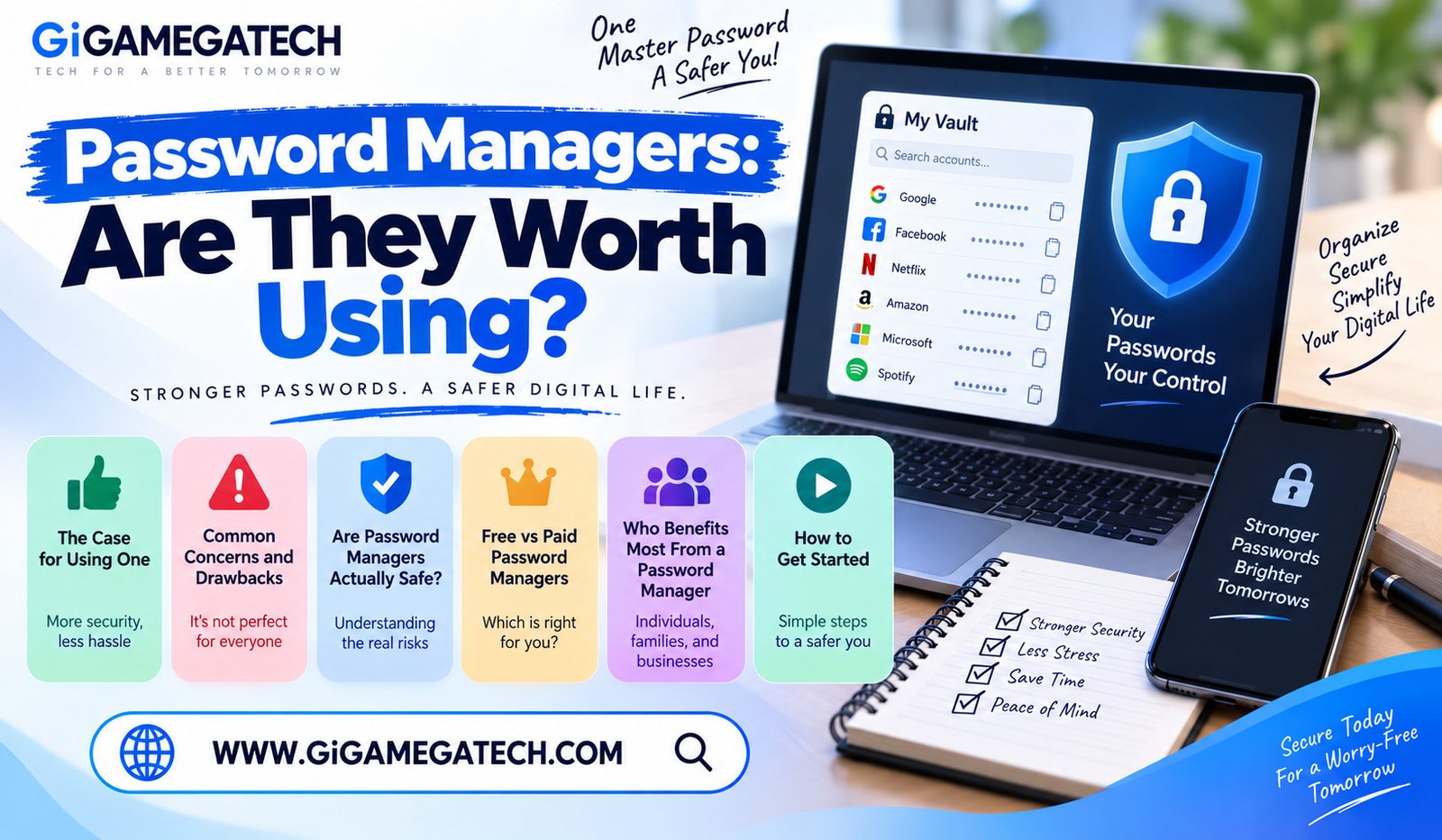
Typing the same password into a dozen different accounts feels convenient right up until one of those accounts gets breached. That single habit is exactly what pushes many people to ask whether password managers are worth using in the first place. This guide walks through the real benefits, the legitimate concerns, and who stands to gain the most from making the switch.
The short answer for most people is yes, but the details matter. Understanding both sides helps you decide with confidence rather than adopting a tool just because it is commonly recommended.
What a Password Manager Actually Does
A password manager stores your login details in an encrypted vault, protected by a single master password. Instead of remembering dozens of passwords, you only need to remember one.
Core Functions
- Generates strong, random passwords for new accounts automatically
- Stores usernames, passwords, and sometimes secure notes in one place
- Autofills login fields across apps and websites
- Syncs your vault across your phone, tablet, and computer
The encrypted vault means that even if someone gained access to the storage itself, your actual passwords remain scrambled without the master password to unlock them.
The Case for Using One
The strongest argument for a password manager comes down to a basic reality: nobody can safely memorize dozens of unique, complex passwords on their own.
Real Benefits
- Stronger passwords generated for every account, rather than reused or predictable ones
- Less time spent resetting forgotten passwords through email recovery links
- Reduced risk from data breaches, since a leaked password does not expose other accounts
- Some protection against phishing, since a password manager will not autofill credentials on a fake look-alike website
The average person manages a large number of online accounts today. Trying to remember unique, strong passwords for all of them without help is simply unrealistic for most people.
Common Concerns and Drawbacks
No tool is perfect, and password managers come with a few legitimate concerns worth understanding before you commit to one.
Points Worth Considering
- A single master password becomes a critical point of failure if forgotten or compromised
- Some services charge an ongoing subscription fee for full features
- Occasional syncing issues can cause a saved password to not autofill correctly
- Switching between password managers later can require manually exporting and importing your vault
Ways to Manage These Concerns
- Choose a master password that is long and memorable, and never reuse it elsewhere
- Set up account recovery options in case you lose access to your master password
- Keep a small number of backup codes stored somewhere safe and separate from your device
Are Password Managers Actually Safe?
Security incidents involving password managers do occasionally make headlines, which understandably raises questions about whether the tools are trustworthy.
What the Track Record Shows
- Most reputable password managers use strong encryption that protects data even during a breach
- A well-known incident in 2022 involved unauthorized access to backup data at one major provider, though the company stated no customer vault contents were exposed in a usable form
- Most password managers have not experienced security incidents anywhere near that severe
- Independent security audits are common among major providers and add a layer of accountability
How to Choose a Trustworthy Option
- Look for providers that publish regular, independent security audits
- Check whether the company is open source, allowing outside review of its code
- Confirm that the service uses zero-knowledge encryption, meaning even the company cannot view your stored passwords
Free vs Paid Password Managers
Many password managers offer a usable free tier alongside a paid subscription with additional features. Understanding the difference helps you decide whether upgrading makes sense for you.
What Free Plans Typically Include
- Unlimited password storage on some providers
- Basic autofill and password generation
- Syncing across a limited number of devices
What Paid Plans Typically Add
- Syncing across unlimited devices
- Advanced two-factor authentication options
- Secure file storage and larger attachment limits
- Family or team sharing features for multiple users
For most individual users, a solid free plan covers the core needs. Paid plans make more sense for families, teams, or anyone who wants extra features like dark web monitoring.
Who Benefits Most From a Password Manager
While nearly everyone benefits from better password habits, a few groups see especially significant improvements after switching.
People Who Benefit Most
- Anyone currently reusing the same password across multiple accounts
- People managing accounts for both personal and work use
- Families sharing logins for streaming services, shopping accounts, or smart home devices
- Small teams or businesses handling shared credentials for tools and platforms
When It Matters Less
People with only a handful of low-risk accounts may see smaller day-to-day benefits, though the security improvement still applies regardless of how many accounts you manage.
How to Get Started
Switching to a password manager takes some initial setup time, but the process is straightforward once you get going.
Steps to Begin
- Choose a reputable password manager based on your needs and budget.
- Create a strong, memorable master password you have never used elsewhere.
- Import existing passwords from your browser or a spreadsheet, if supported.
- Gradually replace weak or reused passwords with newly generated ones as you log into each account.
- Install the browser extension and mobile app for smooth autofill across devices.
Most people do not need to update every password on day one. Replacing them gradually, starting with your most sensitive accounts, makes the transition manageable.
Key Takeaways
- What it does: A password manager stores and generates strong passwords behind one master password.
- Main benefit: It removes the need to reuse weak or memorable passwords across accounts.
- Main drawback: Your master password becomes a single critical point of failure.
- Safety record: Reputable, audited providers remain safe despite occasional high-profile incidents elsewhere.
- Free vs paid: Free plans cover most individual needs, while paid plans add sharing and advanced features.
- Best for: Anyone reusing passwords, managing many accounts, or sharing logins with family or a team.
- Getting started: Replace weak passwords gradually rather than all at once.
Frequently Asked Questions
What happens if I forget my master password?
Most password managers cannot recover a forgotten master password due to encryption, so setting up a backup recovery method in advance is essential.
Are free password managers safe enough for everyday use?
Yes, reputable free password managers use the same core encryption as their paid tiers, though some advanced features may be limited.
Can a password manager be hacked?
No system is completely immune, but a well-encrypted vault protected by a strong master password is far safer than reusing weak passwords across accounts.
Do I need a password manager if I already use two-factor authentication?
Yes, two-factor authentication and a password manager address different weaknesses, and using both together offers stronger overall protection.
Is it hard to switch password managers later if I change my mind?
No, most password managers support exporting your vault, though the process may require some manual steps depending on the providers involved.
Conclusion
For most people, password managers are worth using, since the security gained from strong, unique passwords outweighs the small learning curve required to get started. The main risk, a forgotten master password, is manageable with a proper backup plan in place. Whether you choose a free or paid option, moving away from reused passwords remains one of the most effective steps you can take to protect your accounts.