
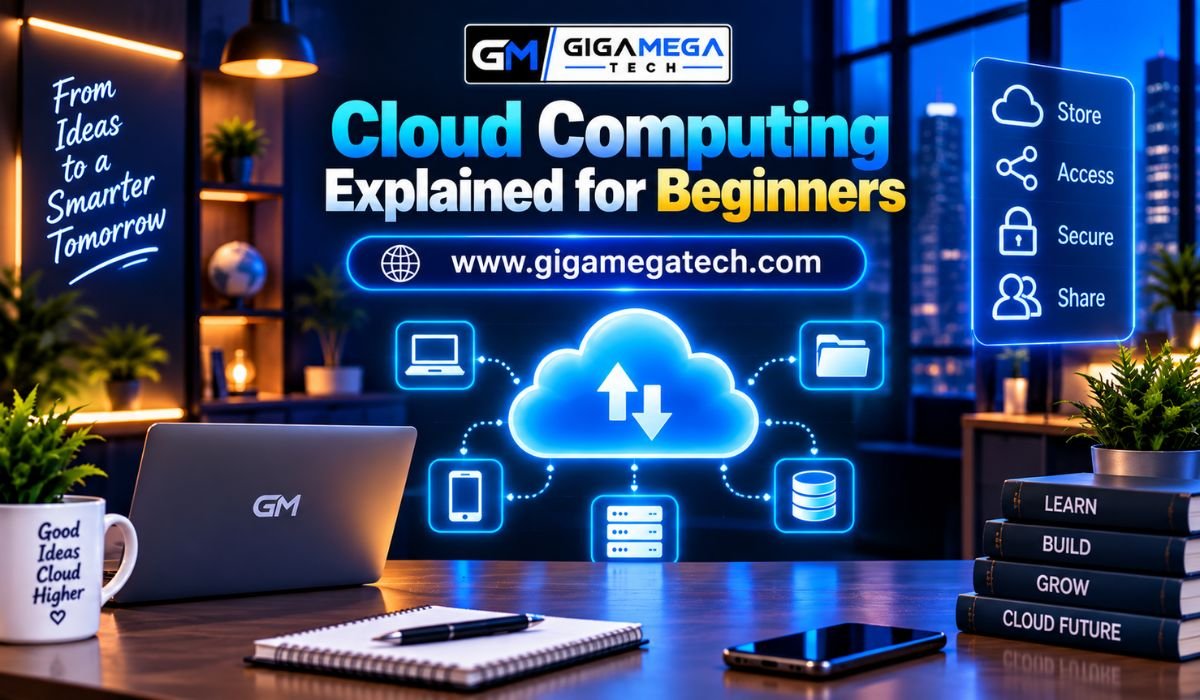
Cloud computing has become an important part of modern technology, but the term can sound complicated if you’re new to it.Every time you store photos online, stream a movie, use web-based email, save a document to an online drive, or access an application through the internet, you may already be using cloud computing.
In simple terms, cloud computing means using computing resources over the internet instead of relying entirely on the hardware directly in front of you.
These resources can include storage, servers, databases, software, networking, and processing power.
The cloud has changed how individuals and businesses use technology.
Instead of buying and maintaining large amounts of physical equipment, organizations can access computing resources when they need them.Individuals can also store and access their information across multiple devices.
What Is Cloud Computing?
Cloud computing is the delivery of computing services through a network, usually the internet.
Traditionally, if a company needed additional computing power, it might buy physical servers, install them in a data center, and maintain the hardware itself.
With cloud computing, the company can rent computing resources from a cloud provider and access them remotely.
The same basic idea applies to personal users.
Instead of storing every file exclusively on a computer’s internal drive, a user can save files to cloud storage and access them from other supported devices.
Public Cloud
A public cloud is a computing environment run by a provider and shared with multiple customers.
Customers usually share the provider’s infrastructure, but their data and services remain separate from others.
Public cloud services offer a lot of flexibility.
Organizations can adjust their resource usage based on need instead of buying physical infrastructure to handle their peak workloads.
This model is commonly used by startups, big companies, developers, educational institutions, and other organizations.
Private Cloud
A private cloud is built for use by just one organization.
The infrastructure might be kept within the organization’s own premises or managed by an outside provider.
Private clouds give more control over the setup and configuration.
They can be useful for organizations with special security, compliance, or operational needs.
However, private cloud setups often require more resources and management compared to using a public cloud.
Hybrid Cloud
A hybrid cloud is a mix of public and private cloud environments.
An organization might run some workloads in a private setup while using public cloud resources for other tasks.
This setup provides flexibility while allowing for greater control over workloads with specific needs.
Hybrid cloud environments can be more complex to design and manage because they involve integrating multiple environments that need to work well together.
Benefits of Cloud Computing
One of the main advantages of cloud computing is its flexibility.
Scalability
Cloud services can often be scaled according to demand.
For example, an online store may see a big increase in traffic during a major sale.
Cloud resources can be increased to handle the extra workload and then reduced again later.
This flexibility is especially helpful for businesses that have changing workloads.
Remote Access
Cloud services make information and applications available from multiple locations and devices, as long as users have the right access and an internet connection.
This supports remote work, teamwork, and flexible working arrangements.
Automatic Updates
Many cloud-based applications are updated by the service provider.
Users don’t always need to manually install every software update.
This can make software maintenance easier and ensure users have access to new features and security improvements.
Collaboration
Cloud applications allow multiple users to access and work on the same information.
Teams can work together on documents, projects, databases, and other resources without constantly sharing files through traditional methods.
Challenges of Cloud Computing
Cloud computing has many benefits, but it isn’t perfect.
Internet Dependence
Many cloud services rely heavily on an internet connection.
If the connection isn’t available or is unreliable, accessing cloud-based resources can be difficult.
Some applications offer offline functionality, but the level of access varies.
Security and Privacy
Moving information to cloud infrastructure brings important security and privacy concerns.
Cloud providers usually invest a lot in security, but customers also have responsibilities.
Weak passwords, poor access controls, misconfigured storage, and hacked accounts can create risks.
Organizations should understand how their provider handles data and what security options are available.
Ongoing Costs
Cloud computing can reduce initial hardware costs, but it isn’t always cheaper in every situation.
Organizations usually pay for the resources and services they use.
If resources aren’t managed well, unnecessary usage can lead to unexpected high bills.
Vendor Dependence
Once an organization builds applications and processes around a specific cloud provider, switching to another provider can be complicated.
Data formats, application design, APIs, configurations, and operational processes can create switching challenges.
Cloud Storage Explained
Cloud storage is one of the easiest ways to understand cloud computing.
Instead of keeping a file only on your device, you upload it to remote storage.
The provider stores the file and allows authorized users to access it through the internet.
Cloud storage can make backups and file synchronization easier.
For example, a person might take photos on a smartphone and have them synced with an online storage service.
These photos can then be accessed from another supported device.
However, cloud storage shouldn’t automatically be seen as a complete backup solution.
Important information might benefit from multiple backups and proper account security.
Cloud Computing and Businesses
Businesses use cloud computing for many purposes.
Companies may use cloud infrastructure to host websites, run applications, store databases, analyze data, manage business software, and support remote employees.
Cloud services can also help smaller organizations access technology that would otherwise require significant infrastructure investments.
For growing businesses, the ability to scale resources can be especially valuable.
Instead of buying hardware based on uncertain future needs, a company can adjust cloud resources as its needs change.
Cloud Computing and Artificial Intelligence
Cloud computing has also become important for artificial intelligence.
Training and running advanced AI systems can require a lot of computing power.
Cloud platforms allow organizations to use powerful processors and specialized hardware without necessarily owning the physical equipment.
This makes advanced computing more accessible to companies, developers, researchers, and other users.
Cloud platforms can also offer AI development tools, data-processing services, and machine-learning infrastructure.
Is Cloud Computing Safe?
Cloud computing can be secure, but security depends on several factors.
Major cloud providers usually operate advanced data centers and security systems.
However, customers must still set up their services correctly.
Users should use strong passwords and multi-factor authentication where available.
Organizations should carefully control user permissions and monitor access to important resources.
Sensitive information should be handled according to appropriate security and compliance requirements.
Cloud security is therefore a shared responsibility.
The provider protects the infrastructure it operates, while customers remain responsible for many aspects of their accounts, applications, configurations, and data.
Cloud Computing vs Traditional Computing
Traditional computing often involves owning and maintaining physical hardware directly.
For example, a business might buy servers, install them in a dedicated room, maintain networking equipment, and replace hardware when it becomes outdated.
Cloud computing moves much of that infrastructure responsibility to a service provider.
This doesn’t mean traditional computing has disappeared.
Many organizations use a mix of local systems, private setups, and cloud services based on their needs.
The main thing that separates them is how they get, manage, and use computing resources.
Is cloud computing expensive?
It depends on the service and how you use it.
Some cloud services offer free versions or low-cost plans for simple personal use.
For businesses, costs can get much higher depending on storage, processing power, number of users, data transfer, and other factors.
One benefit of cloud computing is that many services charge based on how much you use.
Instead of buying all the hardware upfront, you pay for what you actually use.
However, usage-based pricing means you need to keep track of your usage.
Unused resources or inefficient apps can lead to extra costs.
How can beginners start learning cloud computing?
Beginners don’t need to know everything at once.
Start with basic ideas like servers, storage, databases, networks, virtualization, and applications.
Next, understand the difference between IaaS, PaaS, and SaaS.
These concepts help build a solid understanding of how cloud services work.
It’s also helpful to try real-world examples.
Use a cloud storage service, create a document online, or experiment with a beginner-friendly cloud platform.
As your knowledge grows, you can explore topics like virtual machines, containers, cloud databases, networking, security, automation, and cloud architecture.
Final Thoughts
Cloud computing has changed how people and businesses get access to technology.Instead of having to rely solely on their own hardware, users can get computing resources, storage, apps, and other services through the internet.
For newcomers, it’s helpful to think of the cloud as a way to access computing tools and services from a distance.
Real servers and equipment are still there, but users don’t have to own or manage them directly.
Cloud computing brings several benefits like flexibility, scalability, remote access, teamwork, and fewer needs for physical infrastructure.
However, it also brings some considerations such as depending on the internet, ensuring security and privacy, managing ongoing costs, and relying on the service providers.
Whether you’re a student, a worker, a business owner, or just someone who uses the internet, knowing the basics of cloud computing can help you make better choices about the tech you use each day.
Frequently Asked Questions
1.
What is cloud computing in simple words?
Cloud computing means using computing services like storage, software, servers, and processing power over the internet, instead of relying entirely on your own physical device or server.
2.
Is Google Drive an example of cloud computing?
Yes.
Google Drive is an example of cloud-based storage.Files can be stored on remote servers and accessed through supported devices and apps.
3.
Do cloud services use physical servers?
Yes.
Cloud computing depends on physical servers, storage systems, networking equipment, and data centers.The difference is that users access these resources remotely.
4.
What are the three main cloud service models?
The three commonly discussed models are Infrastructure as a Service (IaaS), Platform as a Service (PaaS), and Software as a Service (SaaS).
5.
What is SaaS?
SaaS stands for Software as a Service.
It lets users access software applications through the internet rather than managing the underlying infrastructure themselves.
6.
Is cloud computing useful for small businesses?
Yes.
Small businesses can use cloud services for storage, email, accounting, collaboration, websites, databases, and many other tasks without needing to buy a lot of physical hardware.
7.
Does cloud computing require the internet?
Most cloud services need an internet connection to work properly.
Some apps offer limited features when not connected, but these depend on the specific service.
8.
Is cloud storage the same as cloud computing?
Cloud storage is one type of cloud computing service.
Cloud computing is a broader concept that includes storage, servers, databases, networking, software, and processing resources.
9.
Is cloud computing secure?
Cloud computing can offer strong security, but no system is completely secure.
Both the provider and the user have responsibilities for protecting the infrastructure, accounts, apps, and data.
10.
Can cloud computing reduce business costs?
It can cut down on initial costs for infrastructure because organizations can access resources without buying all the physical hardware.
However, ongoing cloud usage can become expensive if resources aren’t managed well.
11.
What is a public cloud?
A public cloud is an environment run by a cloud provider that makes computing resources available to many customers.
Customers generally share the underlying infrastructure, but their services and data remain logically separated.
12.
What is a private cloud?
A private cloud is a cloud environment designed for a single organization.
It offers more control and can be useful for organizations with specific security, compliance, or operational needs.
13.
What is a hybrid cloud?
A hybrid cloud combines public and private cloud environments.
Organizations can use each for different tasks based on their needs.
14.
Is cloud computing difficult to learn?
The basic ideas are easy for beginners.
More advanced topics such as cloud architecture, networking, security, containers, and automation require more technical knowledge, but they can be learned step by step.
15.
Why is cloud computing important?
Cloud computing provides flexible access to technology, allowing individuals and organizations to use computing resources without managing all the underlying physical infrastructure.
It has become an important foundation for many modern digital services.