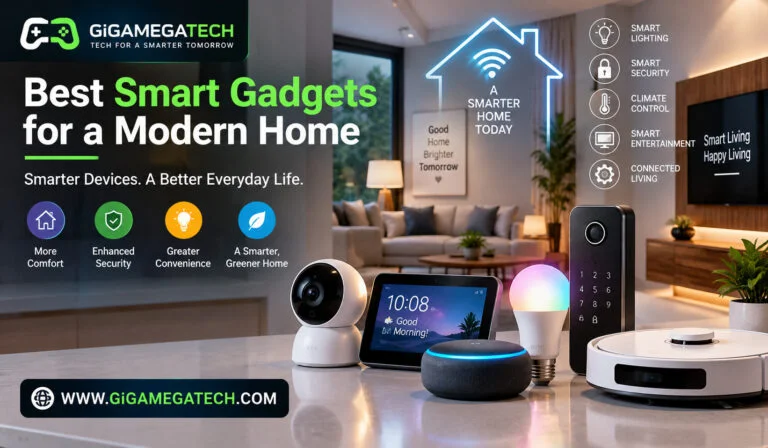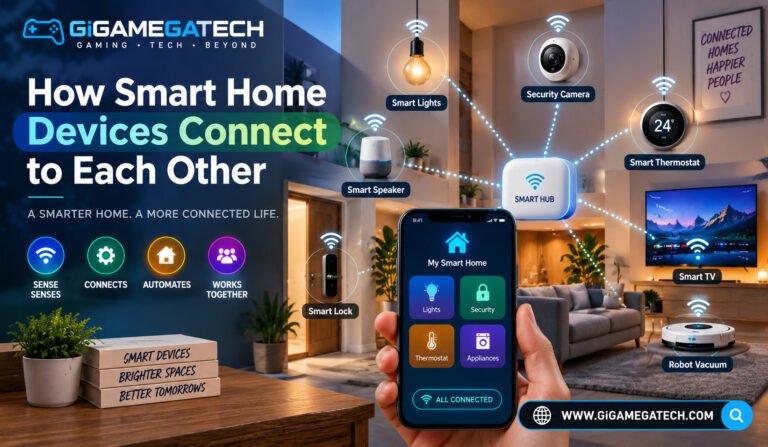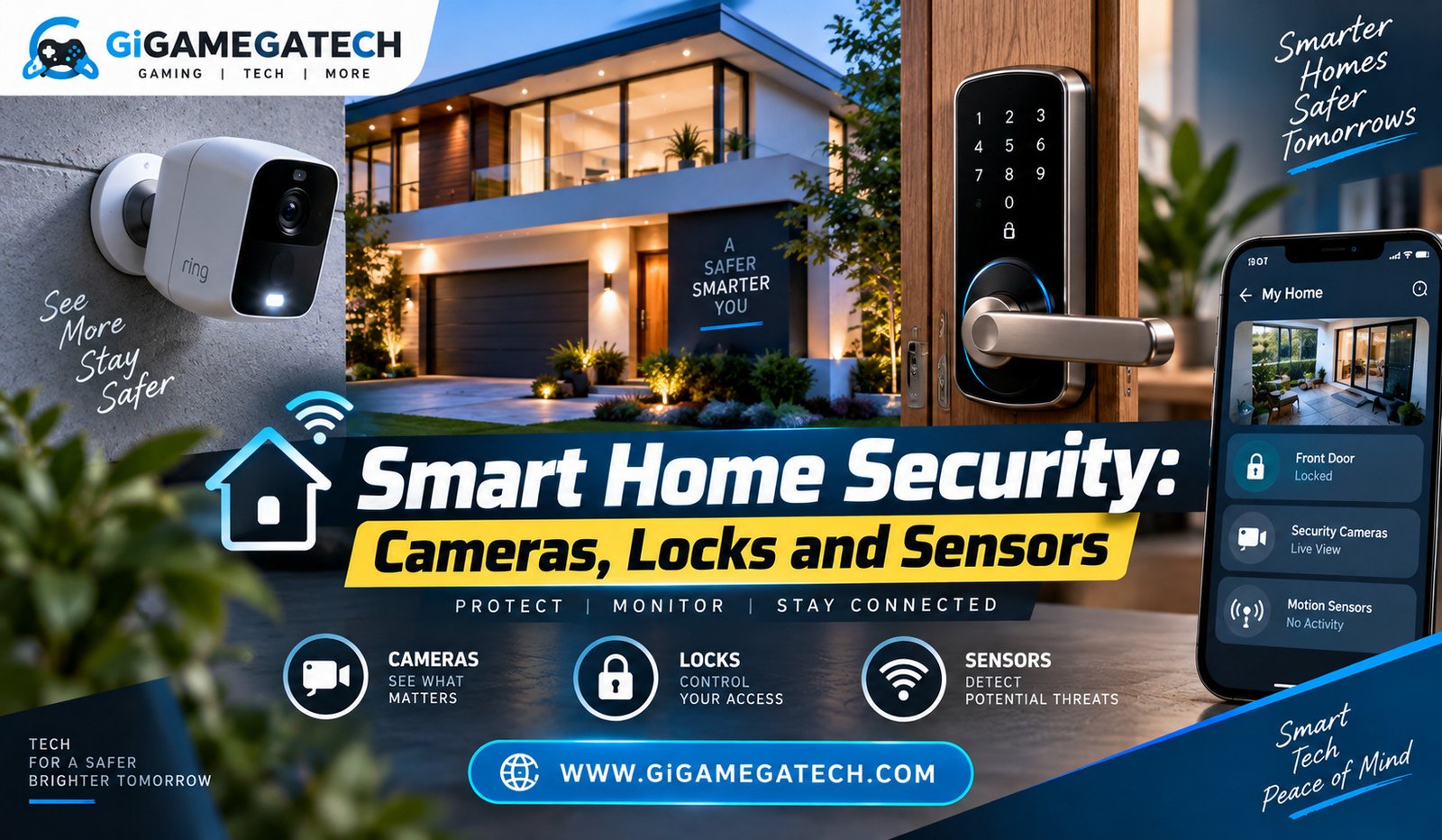
Smart home security covers cameras, locks, and sensors that work together to protect a house without needing a traditional alarm company. This article walks through each category, how they work, and how to connect them so they actually help instead of sitting unused after installation.
Why Smart Home Security Starts With a Layout
Before buying any device, it helps to walk through your home and note the entry points that matter most. This includes doors, ground floor windows, and any secondary entrances like a garage or back gate.
A security setup built around your actual layout works better than one built around whatever devices were on sale.
Areas Worth Prioritizing First
- Front and back doors, since these are the most common entry points
- Ground floor windows, especially ones hidden from street view
- Garage doors and side gates
- Driveways or walkways, useful for motion triggered lighting or cameras
Smart Cameras: Indoor and Outdoor Options
Cameras are usually the most visible part of a smart home security setup. They let you check on your home from a phone, whether you are upstairs or across town.
Outdoor cameras need to handle weather and often run on battery or a wired connection, while indoor cameras usually just need a power outlet and Wi-Fi.
Choosing Between Camera Types
- Battery powered outdoor cameras, easier to install since there is no wiring involved.
- Wired outdoor cameras, which avoid battery charging but need a power source nearby.
- Indoor cameras, useful for checking on pets, packages left inside, or a home office.
- Doorbell cameras, which combine a camera with a doorbell for entryway monitoring.
Look for cameras with motion activated alerts, since constant recording can use a lot of storage and is not always necessary.
Smart Locks and Access Control
A smart lock replaces or upgrades an existing deadbolt, letting you lock and unlock a door with a phone, code, or key fob instead of a traditional key alone.
Smart locks are especially useful for giving temporary access, such as a code for a house sitter or a delivery service, without handing out a physical key.
Common Smart Lock Features
- Keypad entry, letting you set unique codes for family members or guests
- App based locking and unlocking, useful when you are away from home
- Auto lock timers, which lock the door automatically after it has been closed for a set time
- Activity logs, showing when the door was locked or unlocked and by whom
Sensors That Detect Trouble Early
Sensors are usually the least expensive part of a smart home security setup, and they are often the first thing that detects a problem.
Sensor Types Worth Knowing
- Door and window sensors, which alert you when an entry point opens unexpectedly.
- Motion sensors, useful indoors for detecting movement when no one should be home.
- Glass break sensors, which listen for the sound of breaking glass.
- Water leak sensors, not strictly security related, but useful for catching a leak before it causes damage.
Placing sensors on windows that are hidden from the street is often more valuable than placing them only on the front door, since that door is usually the most visible entry point already.
Connecting Everything Into One System
Cameras, locks, and sensors are most useful when they work together instead of running as separate apps.
Many manufacturers design their devices to connect through a single app or hub, so a triggered sensor can turn on a camera or send one combined alert, instead of several separate notifications.
Ways to Connect a Security Setup
- Manufacturer ecosystems, where cameras, locks, and sensors from the same brand link together automatically
- Third party hubs, which can combine devices from different brands into one system
- Voice assistant integration, letting you check camera feeds or lock status by voice
- Automated routines, such as turning on lights when a motion sensor triggers after dark
Key Takeaways
- Start with a layout, not a shopping list: identify your actual entry points before buying devices.
- Cameras work best with motion alerts: this avoids unnecessary storage use and notification overload.
- Smart locks are useful for temporary access: codes can be given out and removed without a physical key.
- Sensors are often the cheapest and fastest to react: door, window, and motion sensors catch problems early.
- Connecting devices into one system matters more than buying more devices: a combined alert is more useful than five separate ones.
FAQs
Do I need a monthly subscription for smart home security? Not always, though some cameras charge a fee for extended video storage or advanced detection features.
Are battery powered cameras as reliable as wired ones? Battery powered cameras are generally reliable but require periodic charging, while wired cameras avoid that step entirely.
Can I use a smart lock without removing my existing deadbolt? Some smart locks fit over an existing deadbolt, while others require replacing it, so this depends on the specific product.
What is the difference between a motion sensor and a door sensor? A door sensor detects when a specific door or window opens, while a motion sensor detects movement anywhere within its range.
Do smart security devices need to be from the same brand to work together? Not necessarily, since third party hubs and some smart home platforms can connect devices from different brands.
Conclusion
Smart home security works best when cameras, locks, and sensors are chosen around your home’s actual layout and connected into one system. Cameras give you visibility, locks give you flexible access control, and sensors catch problems early, often before a camera even triggers. Building smart home security this way turns a handful of separate devices into a setup that genuinely protects your home.