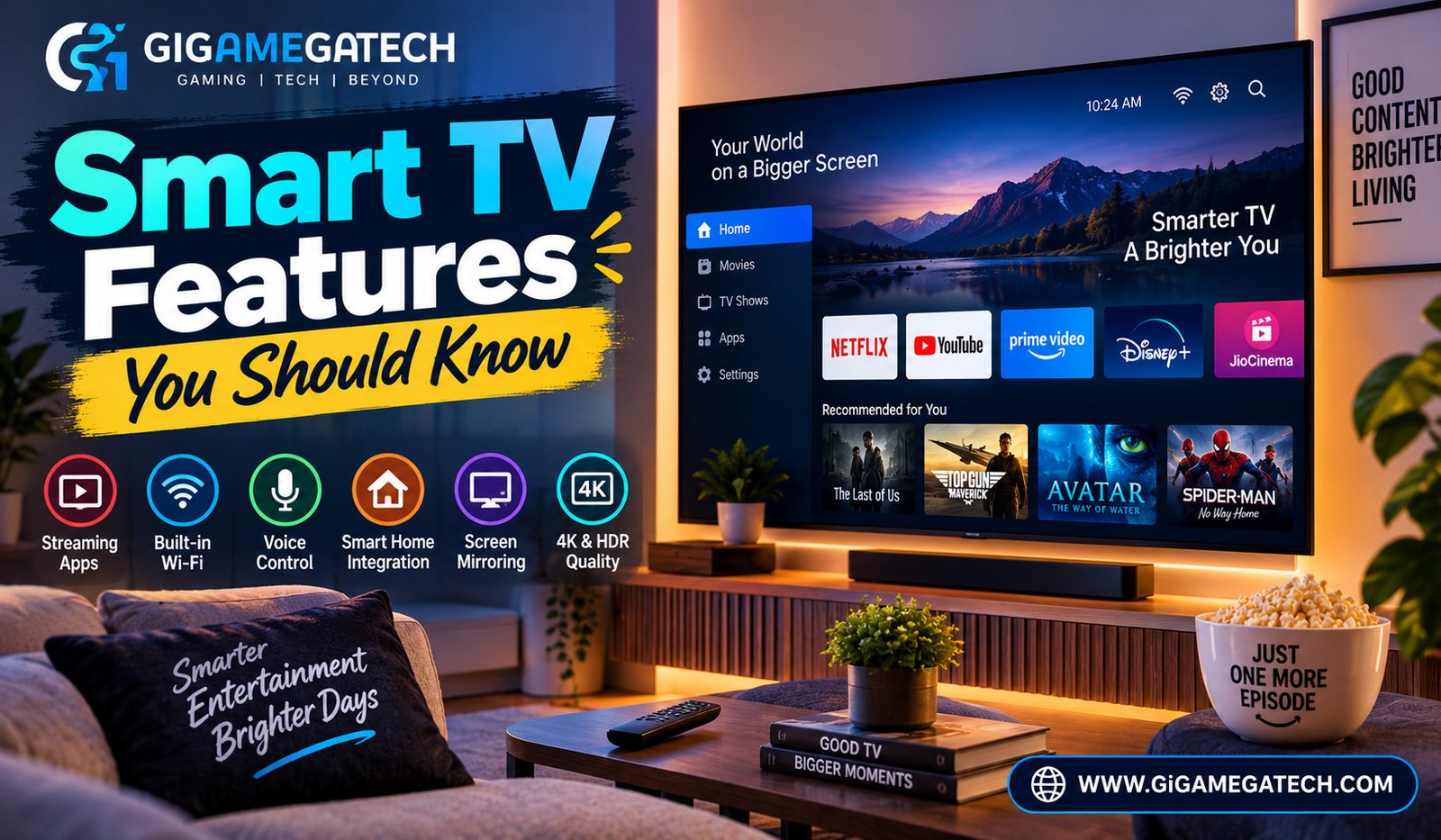
A smart TV does a lot more than play channels. It connects to the internet, runs apps, and often links up with other devices in your home. This article breaks down the smart TV features you should know before you buy one, or before you dig into the settings menu on the one you already own.
What Actually Makes a TV “Smart”
A smart TV is simply a television with a built in operating system that connects to the internet. That connection is what unlocks everything else on this list.
Without an internet connection, a smart TV behaves like a regular television. You lose access to apps, voice features, and most automatic updates.
Core Ingredients of a Smart TV
- Built in operating system, such as Google TV, Roku OS, Tizen, or webOS
- Wi-Fi or Ethernet connectivity for streaming and updates
- App store or app hub for installing streaming services
- Remote with extra buttons for voice search or quick app launches
Streaming and App Support
App support is usually the main reason people buy a smart TV in the first place. It removes the need for a separate streaming box in many cases.
Not every smart TV supports every app. Before buying, check that the platform includes the specific streaming services you actually use.
What to Check Before You Buy
- Whether your preferred streaming apps are available on that platform.
- How often the manufacturer pushes software and app updates.
- Whether the TV supports screen mirroring from a phone or laptop.
- If the interface feels slow or fast when switching between apps, if you can test it in store.
Voice Control and Smart Home Integration
Many smart TVs now include a voice assistant built into the remote, or support connecting to one you already use at home.
Voice control lets you search for shows, launch apps, or adjust volume without typing on an on-screen keyboard, which is often the slowest part of using a smart TV.
Common Integration Options
- Built in microphone on the remote, for direct voice search
- Compatibility with Alexa or Google Assistant, so you can control the TV from a smart speaker
- Smart home hub features, where some TVs can act as a hub for other connected devices
- Casting support, allowing you to send video from a phone app straight to the screen
Picture and Sound Features Worth Understanding
TV marketing uses a lot of technical terms. A few of them genuinely affect what you see and hear, while others matter less than the packaging suggests.
HDR, short for high dynamic range, improves contrast and color range on supported content. It is one of the features most worth understanding before you buy.
Features That Matter Most
- Panel type, such as OLED or LED, which affects contrast and black levels.
- Refresh rate, which affects how smooth fast motion looks, useful for sports or gaming.
- HDR support, which improves picture quality on compatible movies and shows.
- Built in speakers versus a separate sound system, since many thin TVs have weak built in audio.
Privacy and Data Settings to Check
Smart TVs collect some usage data by default, often to power content recommendations or advertising. Most platforms let you review and adjust these settings.
Checking the privacy menu when you first set up a TV is a simple step that many people skip entirely.
Settings Worth Reviewing
- Automatic content recognition, which can track what you watch, including from external devices
- Ad personalization settings, usually found in a privacy or preferences menu
- Microphone and camera permissions, if the TV includes either
- App level permissions, since individual apps may request their own data access
Key Takeaways
- Internet connection is the foundation: without it, a smart TV works like a regular one.
- Check app support before buying: not every platform carries every streaming service.
- Voice control adds convenience: especially for search and smart home integration.
- Panel type and HDR matter most for picture quality: other marketing terms matter less.
- Review privacy settings during setup: most smart TVs collect some data by default.
FAQs
Do I need Wi-Fi for a smart TV to work? Wi-Fi or a wired internet connection is required for streaming apps and most smart features to function.
Is OLED always better than LED? OLED generally offers better contrast and black levels, though it usually costs more than LED panels.
Can I use a voice assistant I already own with a new smart TV? Many smart TVs support integration with existing Alexa or Google Assistant setups, though compatibility varies by brand.
Do smart TVs collect personal data? Yes, most smart TVs collect some viewing or usage data by default, which can usually be adjusted in the privacy settings.
Should I buy a separate streaming device if I already have a smart TV? Only if your smart TV platform is outdated or missing an app you need, since most modern smart TVs already include major streaming apps.
Conclusion
Understanding smart TV features helps you buy the right television and get more out of the one you already own. Focus on internet connectivity, app support, and picture quality features like panel type and HDR, since these affect your daily viewing the most. A quick look at the privacy settings during setup rounds out a smart TV purchase that actually fits how you watch.