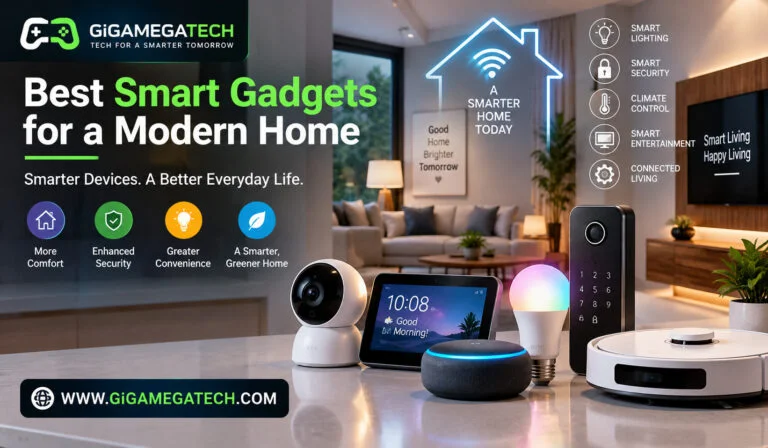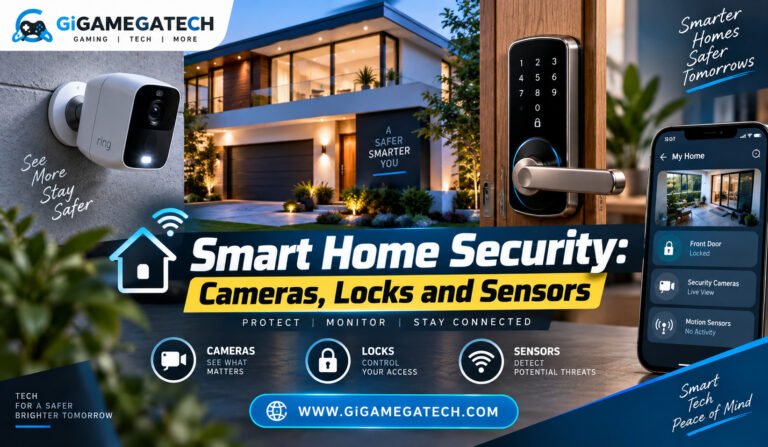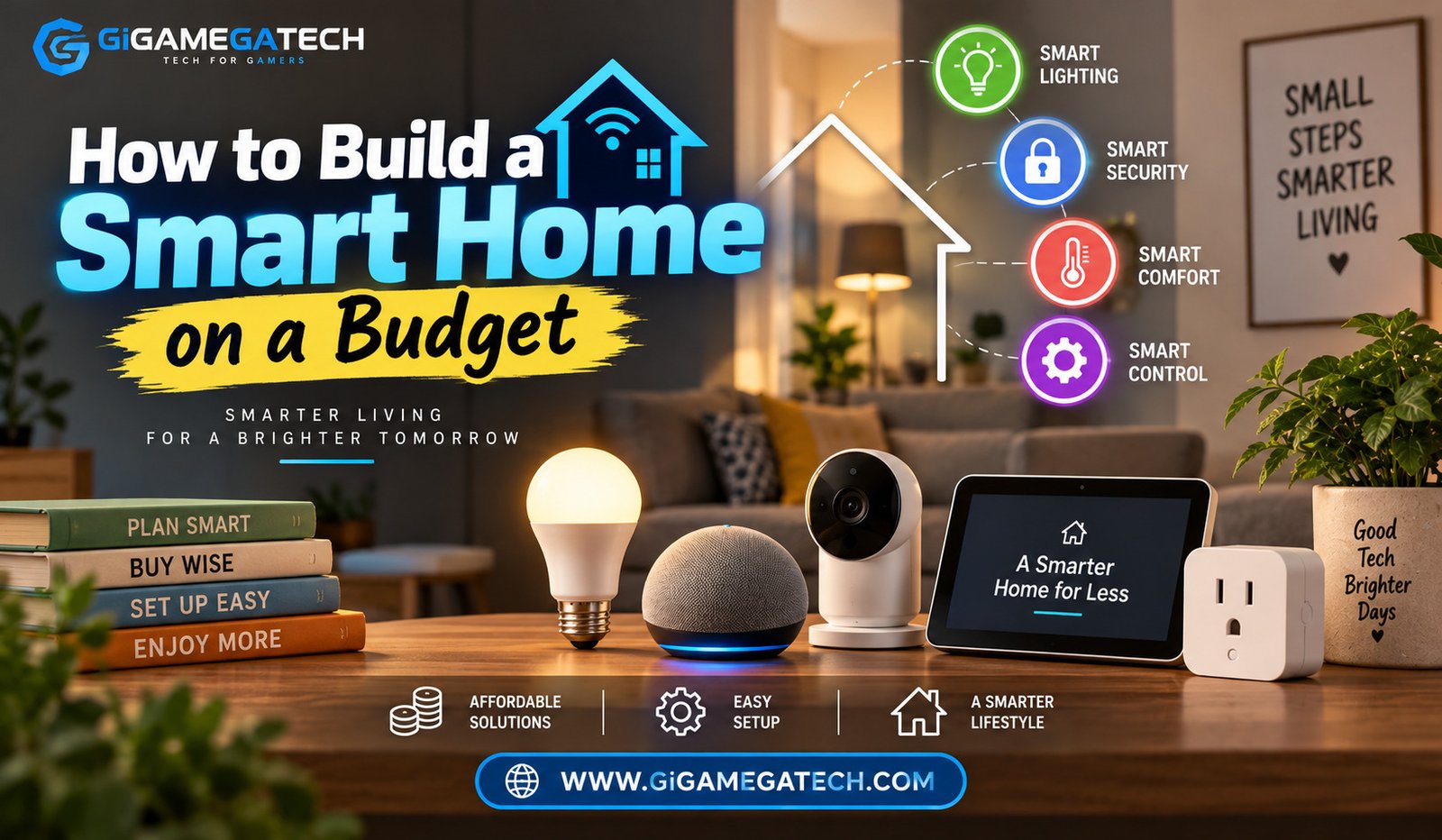
A smart home on a budget is easier to build than most people think. You do not need to spend thousands of dollars or hire an installer. With a clear plan and a few low cost devices, you can automate lights, plugs, and basic security in a single weekend. This article walks through each step, from choosing a hub to setting up your first automation routine, so you can build a smart home on a budget without wasting money on gadgets you will not use.
Start With a Plan, Not a Shopping Cart
Many people jump straight into buying gadgets. That approach almost always leads to wasted money and devices that never get used.
Before you buy anything, write down what problems you actually want to solve. Maybe you forget to turn off lights, or you want to check who is at the door when you are not home.
A short plan keeps your budget focused on things you will actually use, instead of gadgets that sound exciting in a store.
Questions to Ask Before Buying
- What rooms or tasks do you want to automate first?
- Do you rent or own your home? (this affects whether you can install a smart lock or thermostat permanently)
- Do you already own a phone, tablet, or speaker that could act as a control hub?
- What is your total budget for the first phase?
Pick the Right Smart Home Hub
A hub is the device that lets all your smart gadgets talk to each other. Choosing the right one early will save you money later.
Many budget setups do not need a separate hub at all. A phone app or a smart speaker can control Wi-Fi based devices directly.
Common Hub Options
- Smart speaker hubs, such as Amazon Echo or Google Nest devices, which double as voice assistants.
- Dedicated hubs, which support protocols like Zigbee or Z-Wave and often work with a wider range of budget sensors.
- App only setups, where each device connects straight to your home Wi-Fi with no extra hardware required.
If you are just starting out, a smart speaker is usually the most affordable choice, since it gives you a hub and a voice assistant in one device.
Smart Plugs and Bulbs: The Cheapest Entry Point
Smart plugs and bulbs are usually the least expensive way to start automating a home. They plug straight into an existing outlet or socket, so there is no wiring involved.
A smart plug lets you turn any regular appliance, like a lamp or a fan, into something you can schedule or control with your phone. This makes it one of the best budget smart home starting points.
Where Plugs and Bulbs Work Best
- Lamps in rooms where you forget to turn off lights
- Fans, humidifiers, or space heaters that need a schedule
- Holiday lights or decorative lighting
- Small kitchen appliances like coffee makers, for a simple morning routine
Smart bulbs cost more per unit than plugs, but they give you dimming and color options that a plug cannot offer. Start with one or two bulbs in a room you use often, then expand once you know you like the setup.
Smart Locks, Sensors, and Security on a Budget
Security gadgets often feel expensive, but there are budget friendly ways to add basic protection without a monthly monitoring fee.
Budget Friendly Security Devices
- Door and window sensors, which send an alert to your phone when something opens
- Battery powered video doorbells, which avoid the cost of hardwired installation
- Motion sensor lights for entryways and driveways
- Smart locks with a keypad, useful if you want to give a guest or a service provider temporary access
Renters should look for sensors and locks that use adhesive mounts or fit over an existing deadbolt, since these options usually do not require permanent changes to the door or frame.
Voice Assistants and Automation Routines
Once you have a few devices connected, the real value of a smart home comes from routines, not single gadgets working alone.
A routine lets several devices react to one trigger. For example, saying “good night” to a voice assistant could turn off the lights, lock the front door, and lower the thermostat all at once.
Simple Routines to Try First
- A morning routine that turns on lights and starts the coffee maker at a set time.
- A “leaving home” routine that turns off plugs and lights when your phone leaves a set location.
- A “movie time” routine that dims the lights and lowers a smart blind, if you have one.
Start with one or two routines. Adding too many at once makes it harder to notice which ones actually save you time.
Key Takeaways
- Plan first: decide what problems you want to solve before buying any device.
- Start small: a smart plug or bulb is the cheapest way to test whether smart home automation fits your habits.
- Choose a hub that fits what you already own: a smart speaker often covers both hub and voice control.
- Security does not require a monthly fee: sensors and battery powered doorbells offer basic protection on a budget.
- Routines matter more than single devices: connecting a few gadgets together is where the real convenience shows up.
FAQs
Do I need a hub to start a smart home on a budget?
No, many budget devices connect directly to home Wi-Fi and do not require a separate hub.
Is it cheaper to start with smart bulbs or smart plugs?
Smart plugs are usually cheaper and more flexible, since they work with almost any existing lamp or small appliance.
Can renters install smart home devices?
Yes, many sensors, locks, and doorbells now offer adhesive or over-the-existing-hardware mounts that avoid permanent changes.
Do budget smart home devices need a monthly subscription?
Not always, though some video doorbells or cameras may charge a fee for extended video storage.
What is the easiest first automation to set up?
A basic routine, such as turning lights on and off at set times, is usually the simplest place to start.
Conclusion
Building a smart home on a budget comes down to starting small and staying focused on real problems, not just interesting gadgets. Begin with a plan, choose a hub that works with devices you may already own, and add plugs, bulbs, or basic security pieces one at a time. Once a few devices are in place, simple routines are what turn a handful of gadgets into an actual smart home on a budget that saves you time every day.