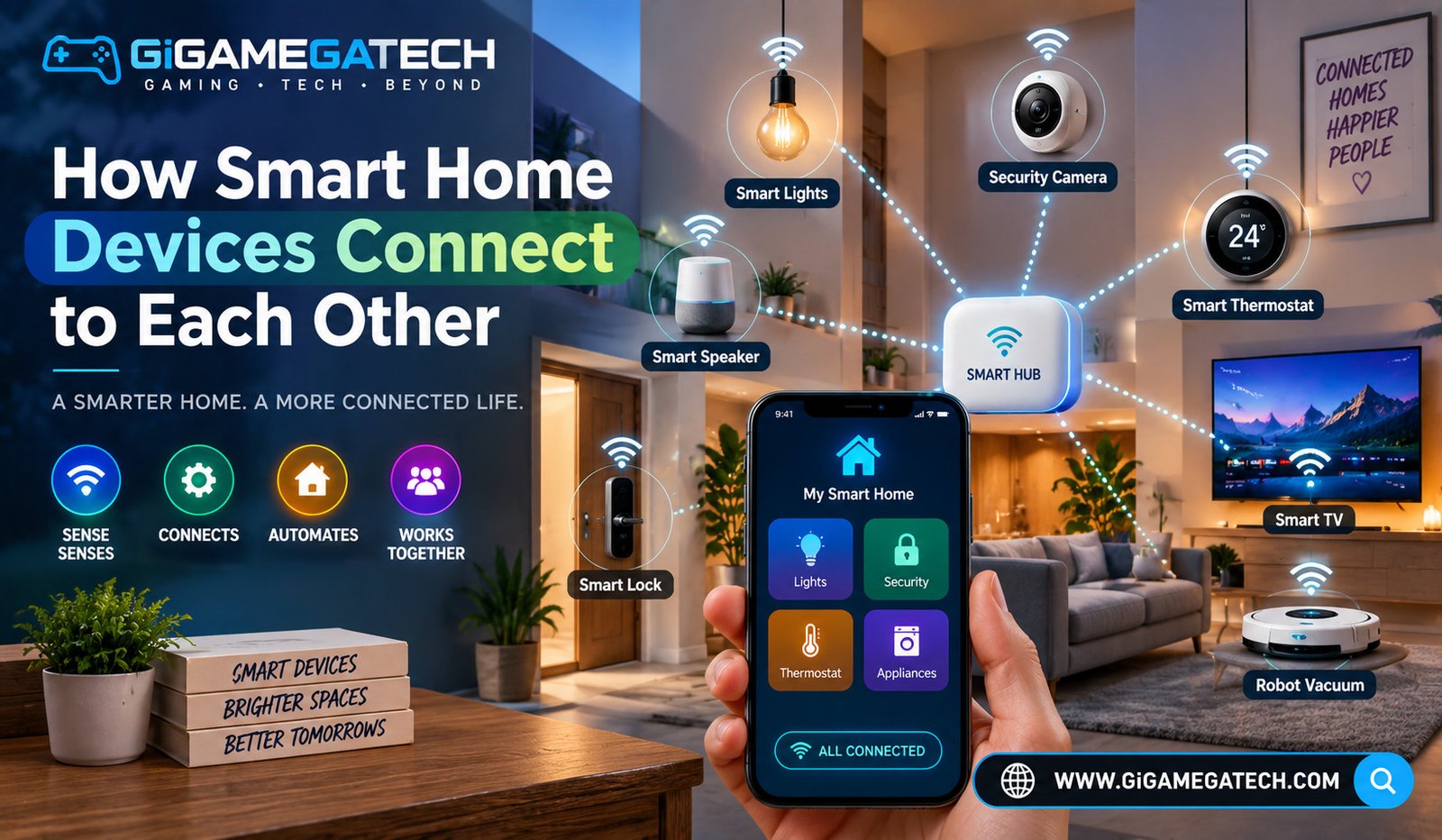
Understanding how smart home devices connect to each other helps you avoid buying gadgets that end up sitting in separate, disconnected apps. This article explains the main connection standards used in smart homes today, in plain terms, so you can choose devices that actually work well together.
Why Connection Standards Matter
Every smart home device needs a way to talk to your phone, a hub, or other devices. The standard it uses affects range, battery life, and whether it can connect directly to other brands.
Buying devices without checking their connection standard is one of the most common reasons a smart home setup ends up frustrating instead of convenient.
What Connection Standards Affect
- Whether a device needs a separate hub to work
- How far a device can be from your router or hub
- Battery life, since some standards use far less power than others
- Whether devices from different brands can talk to each other directly
Wi-Fi: The Most Common Connection
Wi-Fi is the simplest standard for most people, since almost every home already has a router. Devices connect straight to that existing network, with no extra hardware required.
Wi-Fi devices are usually easy to set up, but they can use more power than other standards, which is why battery powered Wi-Fi devices often need frequent charging.
Where Wi-Fi Works Well
- Plugs and bulbs, which are usually plugged into constant power anyway.
- Cameras, since they need enough bandwidth to stream video.
- Smart speakers and displays, which also stay plugged in at all times.
- Appliances, such as smart washers or thermostats.
Zigbee and Z-Wave Explained
Zigbee and Z-Wave are two older, low power standards built specifically for smart home devices, rather than general internet use like Wi-Fi.
Both usually require a hub to connect to your phone or the internet, since they do not connect straight to a home Wi-Fi router.
Key Differences to Know
- Zigbee is common in budget sensors, bulbs, and plugs, and often supported by hubs from multiple brands.
- Z-Wave is known for longer range per device and a more standardized certification process.
- Both create a mesh network, where devices relay signals to each other, extending range without extra hardware.
- Battery life is usually much longer on Zigbee or Z-Wave devices compared to Wi-Fi equivalents.
Bluetooth in Smart Home Devices
Bluetooth is a short range standard, often used in devices you interact with up close, like a lock on your own front door.
Unlike Wi-Fi, Bluetooth does not usually require your home internet to function for basic use, though many devices still use Wi-Fi or a hub for remote access.
Common Bluetooth Use Cases
- Smart locks, where you unlock a door by proximity from your phone.
- Trackers, used to locate keys, bags, or other small items.
- Some sensors, where short range is enough for the intended use.
- Speakers or smart devices with Bluetooth as a secondary connection option alongside Wi-Fi.
Matter and the Push for a Universal Standard
Matter is a newer standard designed to let smart home devices from different brands work together more easily, without needing a separate app for each one.
Matter runs on top of existing networks, including Wi-Fi and Thread, rather than replacing them, and it is being adopted gradually by many major smart home manufacturers.
What Matter Aims to Solve
- Reducing the need for a different app for every brand of device
- Making it easier to control devices through more than one voice assistant
- Improving compatibility between hubs, so a Matter enabled device is not locked into a single ecosystem
- Simplifying setup, since many Matter devices can be added using a shared pairing process
Choosing Devices That Will Work Together
The easiest way to avoid connection headaches is to check compatibility before buying, rather than after a device is already unpacked.
Steps to Check Before Buying
- Confirm whether the device needs a hub, and whether you already own a compatible one.
- Check if the device supports Matter, if broad compatibility matters to you.
- Look at the app requirements, since some devices require their own app even if they support a shared standard.
- Consider the environment, since Zigbee and Z-Wave often handle battery powered sensors better than Wi-Fi does.
Key Takeaways
- Connection standard affects range, power use, and hub requirements: it is worth checking before buying.
- Wi-Fi is the simplest option: but it can drain batteries faster in battery powered devices.
- Zigbee and Z-Wave usually need a hub: and they generally offer longer battery life.
- Bluetooth works well for close range devices: such as smart locks.
- Matter is designed to improve cross brand compatibility: adoption is growing but not yet universal.
FAQs
Do all smart home devices need a hub? No, many Wi-Fi based devices connect directly to your home network without a separate hub.
Is Zigbee better than Wi-Fi for smart home devices? Zigbee generally offers longer battery life for sensors, while Wi-Fi is simpler for devices that stay plugged in.
What is Matter in simple terms? Matter is a newer smart home standard designed to help devices from different brands work together more easily.
Can Bluetooth devices work without home Wi-Fi? Yes, many Bluetooth devices function for close range use even without an internet connection, though remote features may still require Wi-Fi.
Should I check compatibility before buying a new smart home device? Yes, checking the connection standard and hub requirements before buying helps avoid devices that do not work well with your existing setup.
Conclusion
Knowing how smart home devices connect to each other, through Wi-Fi, Zigbee, Z-Wave, Bluetooth, or the newer Matter standard, makes it much easier to build a setup that works smoothly. Each standard has its own strengths, from the simplicity of Wi-Fi to the battery efficiency of Zigbee and Z-Wave. Checking compatibility before buying is the simplest way to make sure your smart home devices actually work together instead of sitting in separate apps.