Introduction
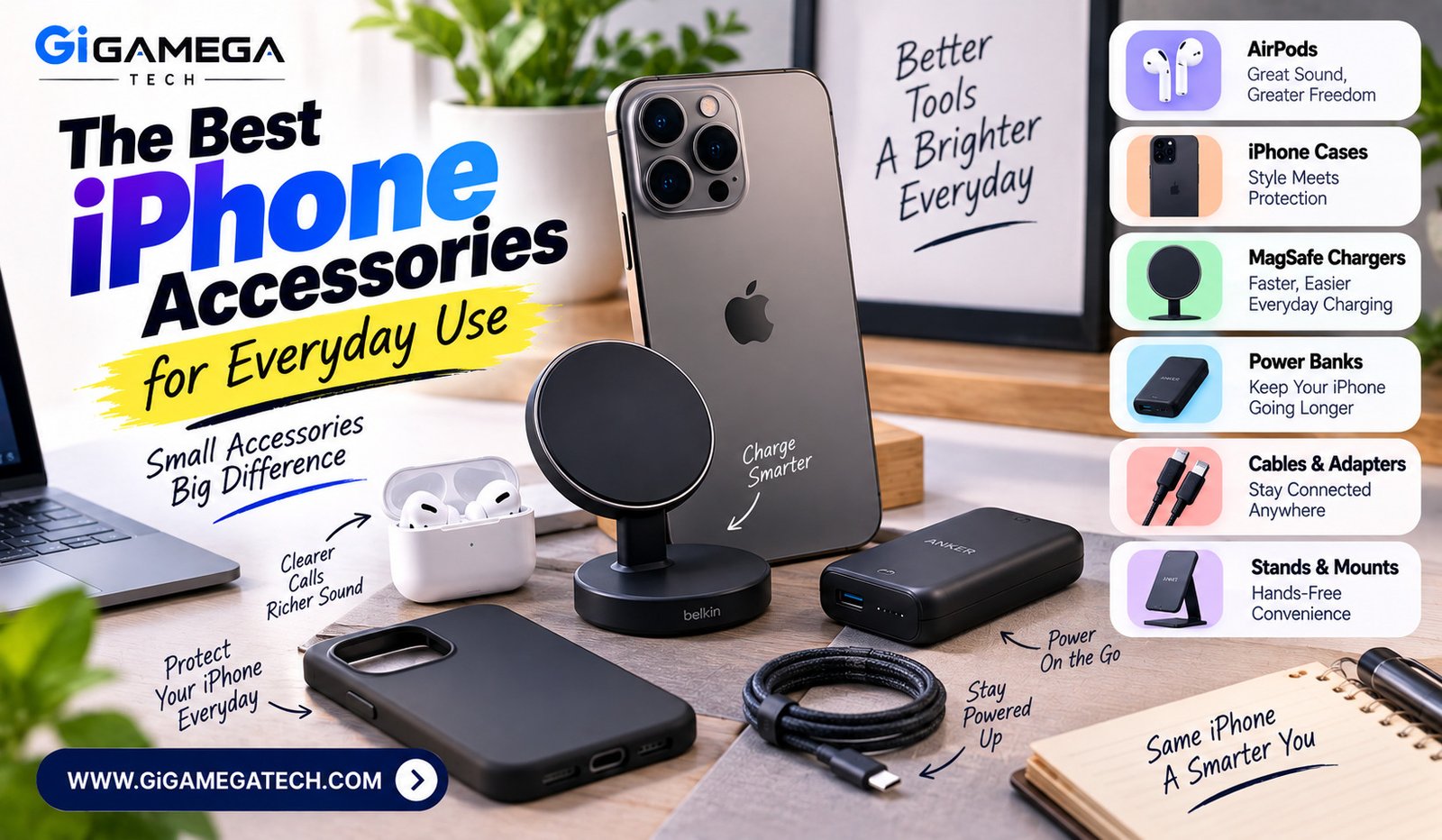
A good phone deserves good gear around it. The right accessories can make an iPhone more durable, more useful, and more comfortable to live with day to day. This guide walks through the categories that matter most, what to look for in each, and a few standout picks worth considering before you buy.
Why the Right Accessories Matter
An iPhone is a real investment, and it’s worth protecting. The right accessories extend the life of the device and smooth out daily use in ways that are easy to overlook until you have them.
Some accessories are about protection — cases, screen covers. Others are about convenience — a charger that lives in your bag, a stand that frees up your hands. Matching gear to your actual habits, rather than buying everything on the shelf, tends to save both money and drawer clutter in the long run.
Best Cases for Daily Protection
A case is usually the first accessory anyone buys, and for good reason.
Slim cases add a thin layer of protection without much added bulk — a good fit for anyone who likes the original feel of the phone but still wants basic drop coverage.
Rugged cases are thicker and built for rougher handling, making them a solid choice for outdoor work, job sites, or anyone who drops their phone more often than they’d like to admit. Grip matters as much as thickness here — a slippery case can actually make a drop more likely, not less.
Worth trying:
- Apple Silicone Case with MagSafe — Apple’s own slim option, soft-touch finish, snug fit
- OtterBox Defender Series — heavy-duty, multi-layer protection built to survive serious drops
- UAG Plasma — rugged protection in a lighter, more low-profile shell than most armored cases
- Casetify — rugged protection with far more style and print options than most competitors
- Spigen — a reliable middle ground between slim and rugged, at a lower price point
- COCOMII — flat-edge, MagSafe-compatible cases across silicone, clear, and leather styles
Best Chargers and Power Banks
Battery anxiety is real, and the right charging setup fixes most of it.
Depending on your routine, consider:
- A wall charger with fast-charging support for quick top-ups at home
- A portable power bank for travel or long days out
- A wireless charging pad for your desk or nightstand
- A car charger if you drive often and lean on navigation apps
The most useful setup usually combines two of these — a fast wall charger at home, paired with a small power bank for the road.
Worth trying:
- Anker Nano Power Bank — compact, plugs directly into your phone, no cable needed
- Anker MagGo Power Bank — Qi2-certified wireless charging that snaps on with MagSafe
- Belkin MagSafe Power Bank — a slim, folding-stand option built specifically for iPhone
- Ugreen Nexode — strong fast-charging speeds at a more budget-friendly price
- Satechi Quatro — wireless charging for your iPhone and Apple Watch at once
Best Audio Accessories
Audio accessories round out the everyday iPhone experience for calls, music, and video.
Wireless earbuds are popular for their convenience — no cables to untangle, and most pairs fit easily into a pocket or bag.
Over-ear headphones tend to offer longer battery life, making them a better fit for long flights or extended work sessions where comfort over several hours matters more than portability. Sound quality varies a lot between models, so trying before buying is worth the effort when you can.
Worth trying:
- AirPods Pro 3 — the most integrated option for iPhone, with strong noise cancellation
- AirPods 4 — a lighter-weight, open-ear option at a lower price than the Pro
- Beats Powerbeats Pro 2 — a secure, ear-hook fit built for workouts
- Sony WF-1000XM6 — excellent noise cancellation and sound quality outside Apple’s ecosystem
- Bose QuietComfort Ultra Headphones — a top over-ear pick for long flights or work sessions
- Sony WH-1000XM6 — over-ear, with class-leading noise cancellation for travel
Best Accessories for Productivity
Beyond protection and charging, some accessories genuinely change how you use your phone for work.
Stands and mounts keep your phone upright during video calls or while following a recipe in the kitchen — simple, but genuinely useful.
Compact keyboards turn quick replies into faster typing sessions, especially handy for anyone who writes a lot of messages or notes on the go.
Worth trying:
- MOFT MagSafe Stand — ultra-slim, foldable, attaches magnetically to the back of your iPhone
- Anker/Ugreen MagSafe stands — solid, affordable desk mounts with adjustable viewing angles
- Logitech Keys-To-Go — a thin, portable Bluetooth keyboard built for on-the-go typing
- Apple Magic Keyboard — a familiar, reliable choice if you’re already in the Apple ecosystem
- LISEN MagSafe Car Mount — a strong magnetic mount for hands-free navigation while driving
Key Takeaways
| If your priority is… | Look for… |
| Everyday drop protection | A rugged case with a good grip |
| Battery anxiety | A portable power bank paired with a fast wall charger |
| Daily commutes | Wireless earbuds |
| Long work sessions | Over-ear headphones or a compact keyboard |
| Hands-free use | A phone stand or mount |
FAQs
Do I need a screen protector along with a case? It’s a good extra layer, but not strictly necessary if the case already covers the screen edges.
Are third-party chargers safe to use? Certified third-party chargers that meet safety standards are generally safe to use with an iPhone.
How often should I replace my iPhone case? Most people replace a case once it shows visible cracks or no longer fits snugly.
Do wireless earbuds drain the iPhone’s battery faster? No — they run on their own battery and don’t meaningfully affect the phone’s charge.
Is a power bank necessary if I charge at home every night? It’s still worth having for travel days or emergencies when an outlet isn’t within reach.
Conclusion
Choosing the best iPhone accessories comes down to matching gear to your actual habits rather than buying everything available. A solid case, a reliable charger, and audio accessories that fit your lifestyle cover most needs. Start with one or two upgrades based on what you use your phone for most, and build out from there.