Introduction
By the time most people finish breakfast, they’ve already juggled a handful of small tasks — checking messages, glancing at a calendar, maybe editing a photo before sending it off. AI apps have quietly stepped into that gap. They’re not flashy replacements for how you live; they just take a few repetitive jobs off your hands so you can spend your attention elsewhere. This guide walks through the categories where AI tools genuinely pull their weight, what each one is good for, and how to figure out which fits your routine.
Why These Apps Actually Matter
Not long ago, AI tools were mostly the domain of developers and tech enthusiasts. That’s no longer true. Ordinary people now use AI to write messages, organize photo libraries, and figure out what to cook for dinner.
Most of these apps fall into one of three buckets: they create content (text, images, video), they organize your information, or they analyze data and offer suggestions. Once you know which bucket your problem belongs to, choosing a tool gets a lot easier.
Writing and Communication
Writing tasks eat up more time than people realize, so it’s no surprise this is where AI tools first caught on.
Grammar and tone tools check your spelling and phrasing as you type, flagging clunky sentences and suggesting cleaner alternatives. Many also let you shift the tone of a message — dialing it up to formal for a client email or down to casual for a text to a friend.
Conversational assistants go a step further. Describe what you need in plain language — a draft email, a summary of a long report, a few brainstormed ideas — and you get a starting point to edit rather than a blank page to fill. What used to take twenty minutes can often be done in two or three.
Worth trying:
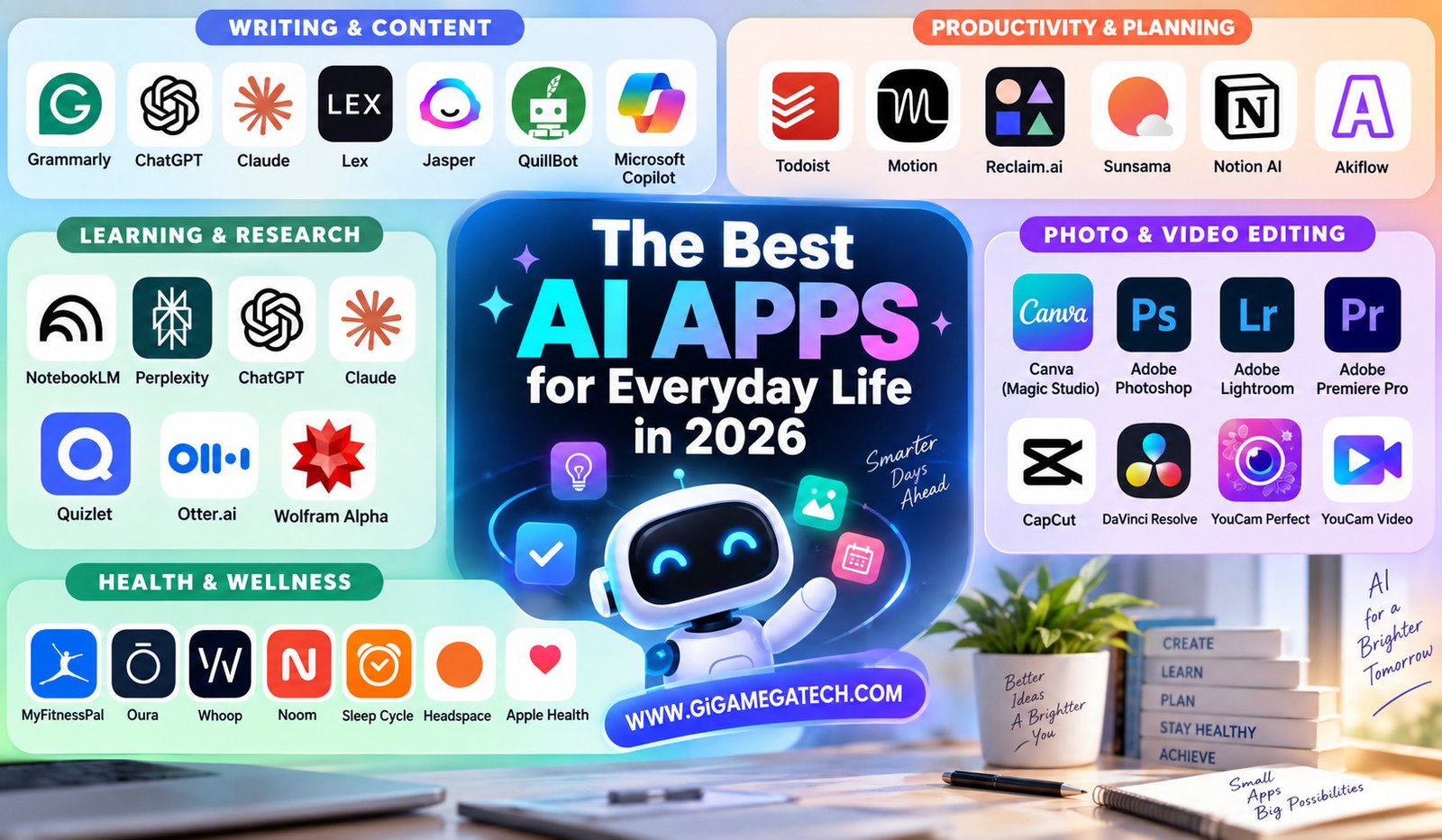
- Grammarly — real-time grammar, spelling, and tone checks across almost any app
- ChatGPT / Claude — general-purpose drafting, summarizing, and brainstorming
- Lex — a distraction-free writing app with AI baked into the editor
- Jasper — built for marketing copy and long-form content at scale
- QuillBot — focused specifically on paraphrasing and rewriting existing text
- Microsoft Copilot — AI drafting built directly into Word, Outlook, and Teams
Staying Organized
Keeping on top of a schedule is a daily grind for most people, and AI-powered planners are built to ease that.
Beyond simple to-do lists, the better tools in this space can:
- Suggest good time slots for a task based on your existing calendar
- Group related tasks so you’re not jumping between contexts
- Adjust reminders based on habits they’ve noticed over time
- Flag tasks you keep pushing back, so they don’t quietly disappear
These tools get smarter the more you use them — if you consistently move something from Monday to Wednesday, the app eventually starts suggesting Wednesday first. The catch is that they only work if you actually check in regularly; a daily habit of glancing at the app makes a real difference in how useful it becomes.
Worth trying:
- Todoist — a longtime task-list favorite that’s added AI scheduling on top
- Motion — leans toward full auto-scheduling, letting AI own your calendar
- Reclaim.ai — good at protecting recurring habits and focus blocks
- Sunsama — a daily planner built around time-blocking and a unified view
- Notion AI — task management folded into a broader notes-and-docs workspace
- Akiflow — pulls tasks from multiple apps into one time-blocked schedule
Learning and Research
Researching a new topic used to mean wading through pages of search results. AI research tools have shortened that process considerably.
Summarizing tools condense a long article, video, or paper into a few key points, so you can decide fast whether it’s worth a deeper read.
Tutor-style tools work differently — you ask a specific question, and the app walks you through the answer in plain terms, often with examples. This is especially handy for students or anyone picking up a skill outside a classroom. The point isn’t to skip the learning, it’s to make it more efficient — a clear explanation up front can save hours of confused searching later.
Worth trying:
- NotebookLM — grounds its answers strictly in documents you upload, plus an audio-summary feature
- Perplexity — research answers with inline, checkable citations
- ChatGPT / Claude — conversational tutoring and concept explanations
- Quizlet — turns notes into flashcards and quizzes for memorization
- Otter.ai — transcribes lectures or meetings into searchable notes
- Wolfram Alpha — reliable step-by-step help for math and science problems
Photo and Video Editing
Editing used to demand real skill or a lot of patience. That barrier has dropped considerably.
Photo tools can fix lighting, smooth out blemishes, or clean up a messy background with a single tap — no editing software knowledge required.
Video tools now handle clip trimming, caption generation, and background music matching automatically. Work that once took hours can often wrap up in minutes, and the gap between a manual edit and an AI-assisted one has narrowed enough that casual users rarely notice the difference.
Worth trying:
- Canva (Magic Studio) — one-click background removal, object erase, and image expand for non-designers
- Adobe Photoshop / Lightroom — the deepest AI editing toolset, aimed at more serious photographers
- Adobe Premiere Pro — AI-assisted captions, auto-reframing, and color matching for video
- CapCut — a popular, beginner-friendly mobile video editor with automatic captions and music sync
- DaVinci Resolve — a free, powerful option especially strong for color grading
- YouCam Perfect / YouCam Video — mobile-first photo and video enhancement with prompt-based edits
Health and Wellness Tracking
This category has become one of the more genuinely useful corners of everyday AI.
Activity and sleep tracking apps log your steps, workouts, and sleep patterns, then surface simple, personalized suggestions — often pointing out trends you’d never have noticed on your own.
Meal planning tools suggest recipes based on what’s already in your fridge, or help map out a week of meals around a specific goal. Beyond convenience, this can meaningfully cut down on food waste and last-minute takeout runs.
As with the organization apps, consistency is what makes these useful — the more regularly you track, the more the app has to work with.
Worth trying:
- MyFitnessPal — one of the largest food databases, useful for logging meals and macros
- Oura / Whoop — wearables focused on sleep, recovery, and HRV tracking
- Noom — nutrition tracking paired with behavior-change coaching
- Sleep Cycle — uses your phone to analyze sleep phases and quality
- Headspace — guided meditation with an AI companion that adapts to how you’re feeling
- Apple Health / Fitbit — a central hub that pulls activity, sleep, and heart data together
Quick Reference
| If you want to save time on… | Look for… |
| Messages and writing | Conversational writing assistants |
| Staying on schedule | AI-powered planners and to-do apps |
| Learning faster | Summarizing and tutor-style research tools |
| Casual photo/video editing | Apps with automatic enhancement features |
| Building daily habits | Health and wellness tracking apps |
Frequently Asked Questions
Are these apps free to use?
Most offer a free tier with basic features; the more advanced capabilities usually sit behind a paid plan.
Do I need any technical skill to use them?
No. The vast majority are built for everyday users with no technical background required.
Do they work offline?
Generally not — most rely on remote servers to do the actual processing, so an internet connection is needed.
Is my data safe?
That depends entirely on the app. It’s worth checking the privacy policy before feeding it anything sensitive.
How do I pick the right one?
Start with whatever task eats the most time in your day, and look for a tool built specifically around that problem.
Final Thoughts
Choosing the right AI app doesn’t need to be a research project of its own. Pick the category that matches your biggest daily headache — writing, organizing, learning, editing, or health tracking — and try one tool at a time to see what actually sticks. These are small changes individually, but a few weeks in, you may notice your to-do list has gotten noticeably lighter.