
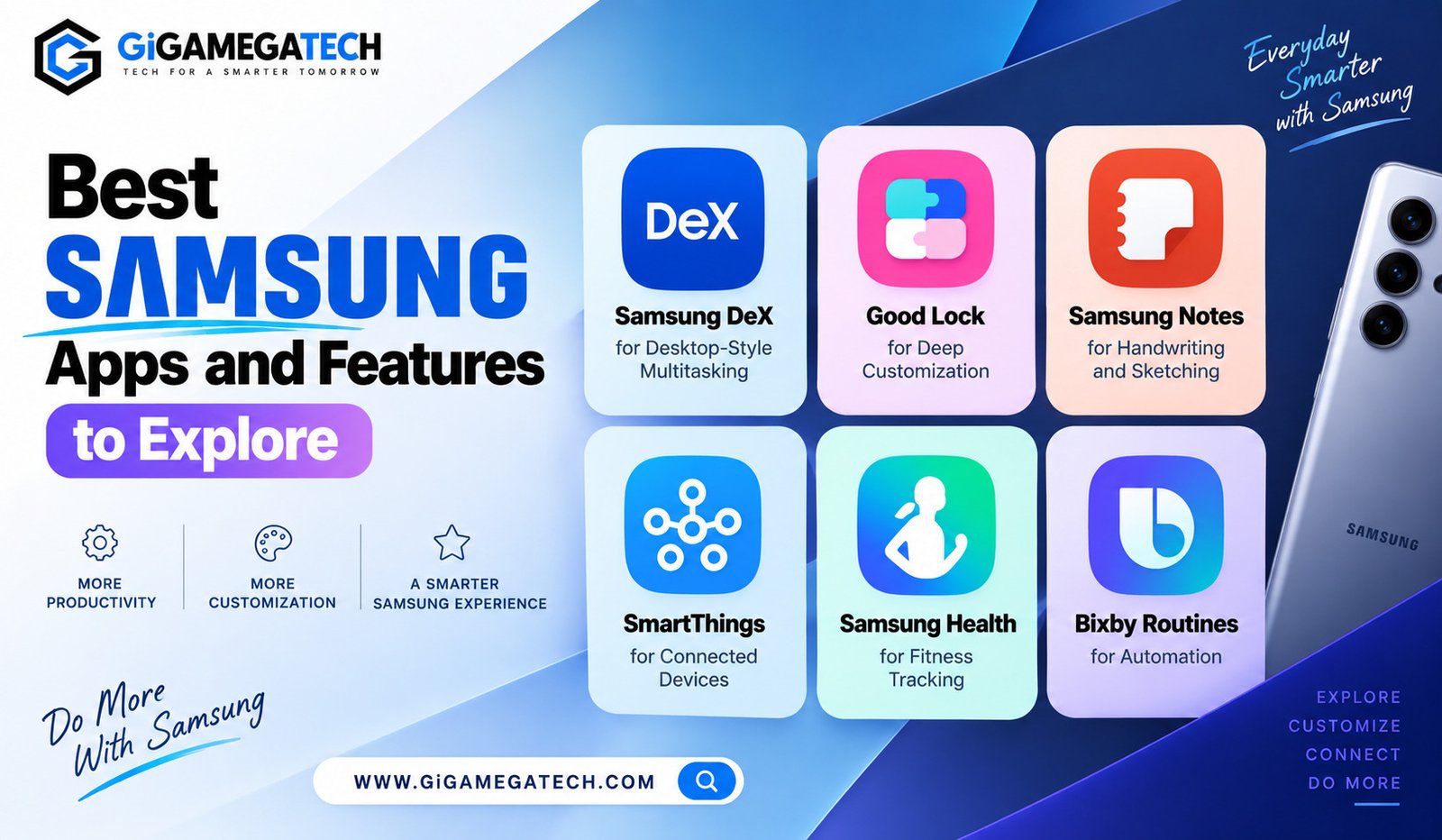
Samsung phones come loaded with far more than what most people ever bother exploring. The best Samsung apps and features can genuinely change how useful your phone feels day to day.
Beyond the standard Android experience, Samsung builds in its own tools for productivity, customization, and connected devices. This guide covers several worth trying and what each one actually does.
Why Samsung Phones Offer More Than Stock Android
Samsung uses its own software layer, called One UI, built on top of Android. This layer adds extra apps and features not found on other Android phones.
Some of these tools solve problems stock Android does not address at all, like connecting smart home devices or turning your phone into a desktop-style computer.
A few reasons these features often go unnoticed:
- Pre-installed apps get dismissed as unnecessary bloatware
- Settings menus bury deeper features under several taps
- Marketing tends to focus on camera specs over software tools
- Users switching from other phones stick to familiar habits
Samsung DeX for Desktop-Style Multitasking
Samsung DeX turns your phone into a desktop-like experience when connected to a monitor, either through a cable or wirelessly on supported models.
Once connected, apps open in resizable windows, similar to a regular computer, letting you multitask in a way phone screens alone cannot support.
This feature works particularly well for light productivity tasks, like drafting emails or reviewing documents on a larger screen.
How to use it
- Connect your phone to a monitor or TV using a supported cable
- Alternatively, check for wireless DeX support in settings
- Use a mouse and keyboard for a closer desktop feel
Good Lock for Deep Customization
Good Lock is a Samsung app that unlocks deeper customization options not available through standard settings menus.
It works through separate modules, each controlling a different part of the phone’s look, like the lock screen, notification panel, or app icons.
This modular design lets users pick only the specific customizations they want, rather than installing one large, bloated app.
Popular modules include
- LockStar, for customizing the lock screen layout
- Home Up, for adjusting the home screen grid and icons
- NotiStar, for changing how notifications appear
Samsung Notes for Handwriting and Sketching
Samsung Notes comes pre-installed and works especially well with the S Pen on supported Galaxy models, turning the phone into a capable note-taking tool.
Notes can mix typed text, handwriting, and images together in the same page, useful for students or anyone sketching quick diagrams.
The app also supports handwriting-to-text conversion, transforming written notes into searchable, editable text.
Strengths
- Deep S Pen integration on supported devices
- Mixes handwriting, typing, and images freely
- Syncs across Samsung devices through your account
SmartThings for Connected Devices
SmartThings acts as a central hub for controlling smart home devices, from lights and thermostats to compatible security cameras.
Rather than juggling several separate apps for different brands, SmartThings brings many compatible devices into one dashboard.
The app also supports automation routines, letting devices react automatically based on time, location, or other trigger conditions.
Common uses
- Turning lights on automatically at sunset
- Adjusting thermostat settings when leaving home
- Grouping multiple devices into a single control scene
Samsung Health for Fitness Tracking
Samsung Health tracks steps, sleep, and workouts, pulling data automatically from your phone’s sensors or a connected Galaxy Watch.
Beyond basic tracking, the app includes guided workout programs and challenges, aimed at keeping users motivated over time.
A useful feature is its sleep tracking breakdown, showing sleep stages and offering a score based on overall sleep quality.
Strengths
- Detailed activity and sleep tracking
- Works well with Galaxy Watch for deeper data
- Includes guided workout content for free
Bixby Routines for Automation
Bixby Routines let your phone automatically perform actions based on specific triggers, separate from Bixby’s voice assistant function.
For example, a routine could automatically switch your phone to silent mode when you arrive at work, based on location.
This feature relies on conditional automation, running actions only when a defined trigger condition is met, without manual input.
Example routines
- Silencing notifications automatically during set work hours
- Adjusting screen brightness when entering a dark room
- Launching a specific app when headphones are connected
Making the Most of Your Samsung Device
None of these tools require anything extra beyond what already comes with most Samsung phones. A little exploring in the settings and app drawer goes a long way.
Start with whichever solves an actual daily annoyance, whether that means connecting smart home devices or getting more out of note-taking.
Once one feature becomes a habit, trying another becomes easier. Samsung packs in a lot of software, and most of it goes completely untouched by the average user.
Key Takeaways
- Best for multitasking: Samsung DeX, turning your phone into a desktop
- Best for customization: Good Lock, through individual modules
- Best for note-taking: Samsung Notes, especially with an S Pen
- Best for smart home control: SmartThings, as a central device hub
- Best for fitness tracking: Samsung Health, paired with a Galaxy Watch
- Best for automation: Bixby Routines, based on triggers and conditions
FAQs
Do I need a Galaxy Watch to use Samsung Health?
No, Samsung Health works using your phone’s sensors alone, though a Galaxy Watch adds more detailed tracking.
Is Samsung DeX available on every Galaxy phone?
DeX is available on many recent Galaxy models, though support can vary depending on the specific device.
Does Good Lock cost money to download?
No, Good Lock and its modules are free to download from the Galaxy Store.
Can Bixby Routines work without using voice commands?
Yes, Bixby Routines run automatically based on triggers and do not require voice interaction.
Is SmartThings compatible with devices from other brands?
Yes, SmartThings supports many third-party smart home devices beyond Samsung’s own product line.
Conclusion
Exploring the best Samsung apps and features reveals a surprising amount of built-in value most users never touch. Samsung DeX, Good Lock, Samsung Notes, SmartThings, Samsung Health, and Bixby Routines each solve a different everyday need. Spend some time digging through your settings and app drawer, and your Samsung phone starts feeling like a far more capable device.