
Introduction
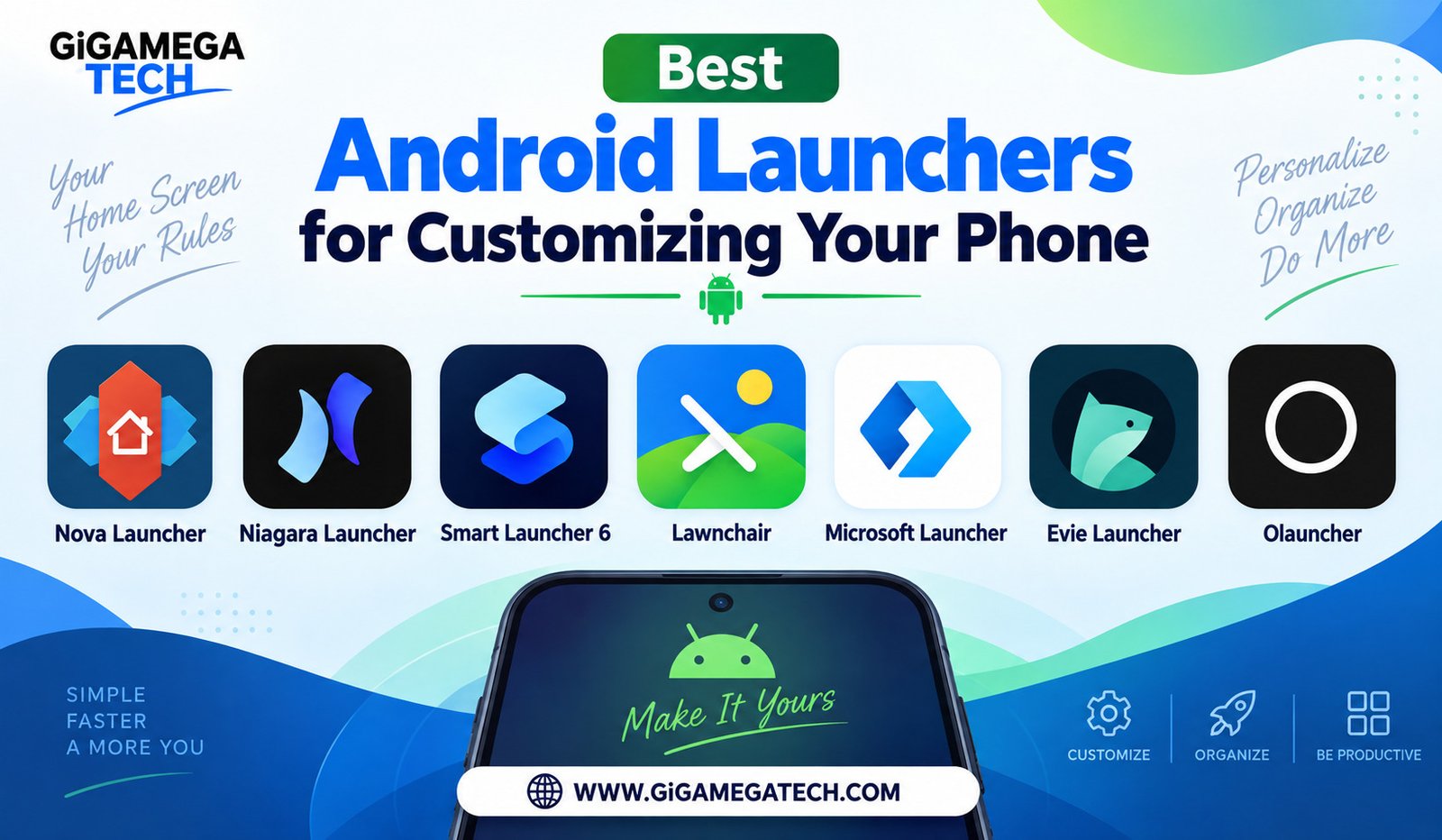
Your phone’s default home screen works fine, but it rarely feels like it was built for you specifically. The best Android launchers for customizing your phone replace that default setup with something built around how you actually use your device. This guide covers seven launchers, ranging from deeply customizable options to stripped-down, distraction-free layouts.
A launcher changes far more than wallpaper and icons. It can control gestures, app drawer behavior, folder structure, and even how notifications appear on your home screen. Picking the right one depends on whether you want maximum control or a simpler, calmer phone.
Nova Launcher for Deep Customization
Nova Launcher has earned a reputation as one of the most customizable launchers available for Android. It lets you adjust nearly every visual and functional detail of your home screen.
Key Features
- Custom gestures for swipes, taps, and pinches
- Icon scaling and shape adjustments for a cohesive look
- Backup and restore options for your entire layout
- Support for third-party icon packs and themes
Nova offers a free version with strong core features, along with a paid Prime upgrade for advanced gestures and icon swipes. For anyone who wants total control over their setup, this launcher remains a longtime favorite.
Niagara Launcher for Minimalist Design
Niagara Launcher takes the opposite approach from Nova. Instead of packing in options, it strips the home screen down to a clean, text-based list of apps.
Standout Tools
- App icons hidden until you search for them, reducing visual clutter
- A simple vertical list layout instead of a traditional grid
- Quick access to favorite apps at the top of the screen
- Support for widgets that appear only when needed
This layout suits phones with unusual shapes, including foldables, since it avoids relying on a fixed grid. Niagara appeals most to people who find a busy home screen distracting rather than helpful.
Smart Launcher 6 for Automatic Organization
Smart Launcher 6 handles a task most other launchers leave to you: sorting apps into categories automatically. Instead of manually building folders, the launcher groups similar apps on its own.
Notable Features
- Automatic app categorization without manual folder setup
- Color matching that pulls tones from your wallpaper into icons and menus
- A built-in news reader with RSS support on the home screen
- Adaptive grid layout based on your usage patterns
With more than fifty million downloads, Smart Launcher 6 has built a large user base around its automatic sorting. It suits people who want organization without spending time building it themselves.
Lawnchair for a Clean, Open-Source Feel
Lawnchair started as a way to bring extra customization to Google’s stock launcher experience, and it has grown into a polished option in its own right. It stays close to Android’s native look while adding useful extras underneath.
Core Capabilities
- Deep system integration with custom shortcuts and gestures
- A minimalist layout that avoids unnecessary visual clutter
- Battery-conscious design with low background resource use
- Open-source code that developers can inspect and contribute to
Lawnchair works well for anyone who likes the general feel of stock Android but wants a bit more flexibility around icons, gestures, and layout options.
Microsoft Launcher for Productivity Integration
Microsoft Launcher ties your phone more closely to your work life, especially if you already use Microsoft 365 across your devices. It focuses on productivity rather than pure visual customization.
Everyday Tools
- Calendar and task integration directly on the home screen
- Continue on PC features for picking up browsing on a computer
- Customizable feed for news and reminders
- Support for standard launcher features like icon packs and gestures
This launcher fits professionals who want their phone’s home screen to double as a quick productivity dashboard, rather than just an app launcher.
Evie Launcher for Fast, Simple Navigation
Evie Launcher focuses on speed and simplicity rather than deep customization menus. It aims to get you into the app you want as quickly as possible.
What Sets It Apart
- Fast, responsive app search built into the main screen
- Gesture navigation for jumping between apps and home screens
- A clean interface that avoids overwhelming new users
- Lightweight design that runs smoothly on older devices
Evie suits people who want a noticeable upgrade over their stock launcher without learning a complicated new system. It keeps the essentials fast without piling on extra menus.
Olauncher for Distraction-Free Use
Olauncher pushes minimalism even further than Niagara, aiming to reduce how much time you spend on your phone overall. It presents a plain, text-only home screen with almost nothing extra.
Why Some Users Choose It
- A completely text-based layout with no icons at all
- Minimal distractions designed to reduce mindless scrolling
- Support for a small number of favorite apps and widgets
- A digital wellbeing focus built into the design itself
This launcher will not appeal to everyone, since it strips away most visual elements entirely. For people actively trying to cut down on screen time, though, that simplicity is the entire point.
Key Takeaways
- Best for full control: Nova Launcher offers the deepest customization options available.
- Best minimalist option: Niagara Launcher replaces the grid with a clean, searchable list.
- Best for automatic sorting: Smart Launcher 6 organizes apps without manual folders.
- Best open-source pick: Lawnchair adds flexibility while staying close to stock Android.
- Best for productivity: Microsoft Launcher brings calendar and task tools to your home screen.
- Best for speed: Evie Launcher keeps navigation fast without a steep learning curve.
- Best for reducing screen time: Olauncher strips the home screen down to plain text.
Frequently Asked Questions
Do Android launchers slow down my phone?
No, most modern launchers are lightweight, though very old or low-powered devices may notice a small difference.
Can I switch back to my original launcher at any time?
Yes, you can uninstall a third-party launcher or simply set your default launcher back at any point.
Are these launchers free to download?
Most offer a free version, though several include optional paid upgrades for advanced features.
Will changing my launcher delete any apps or data?
No, launchers only change how your home screen looks and behaves, not your installed apps or data.
Which launcher works best for older Android phones?
Evie Launcher and Lawnchair tend to run smoothly on older or lower-powered devices.
Conclusion
Choosing from the best Android launchers for customizing your phone comes down to how much control you actually want. Nova Launcher and Smart Launcher 6 suit people who enjoy tweaking every detail, while Niagara and Olauncher work best for those who want a calmer, simpler screen. Whichever direction fits your habits, a new launcher is one of the easiest ways to make a familiar phone feel new again.