Introduction
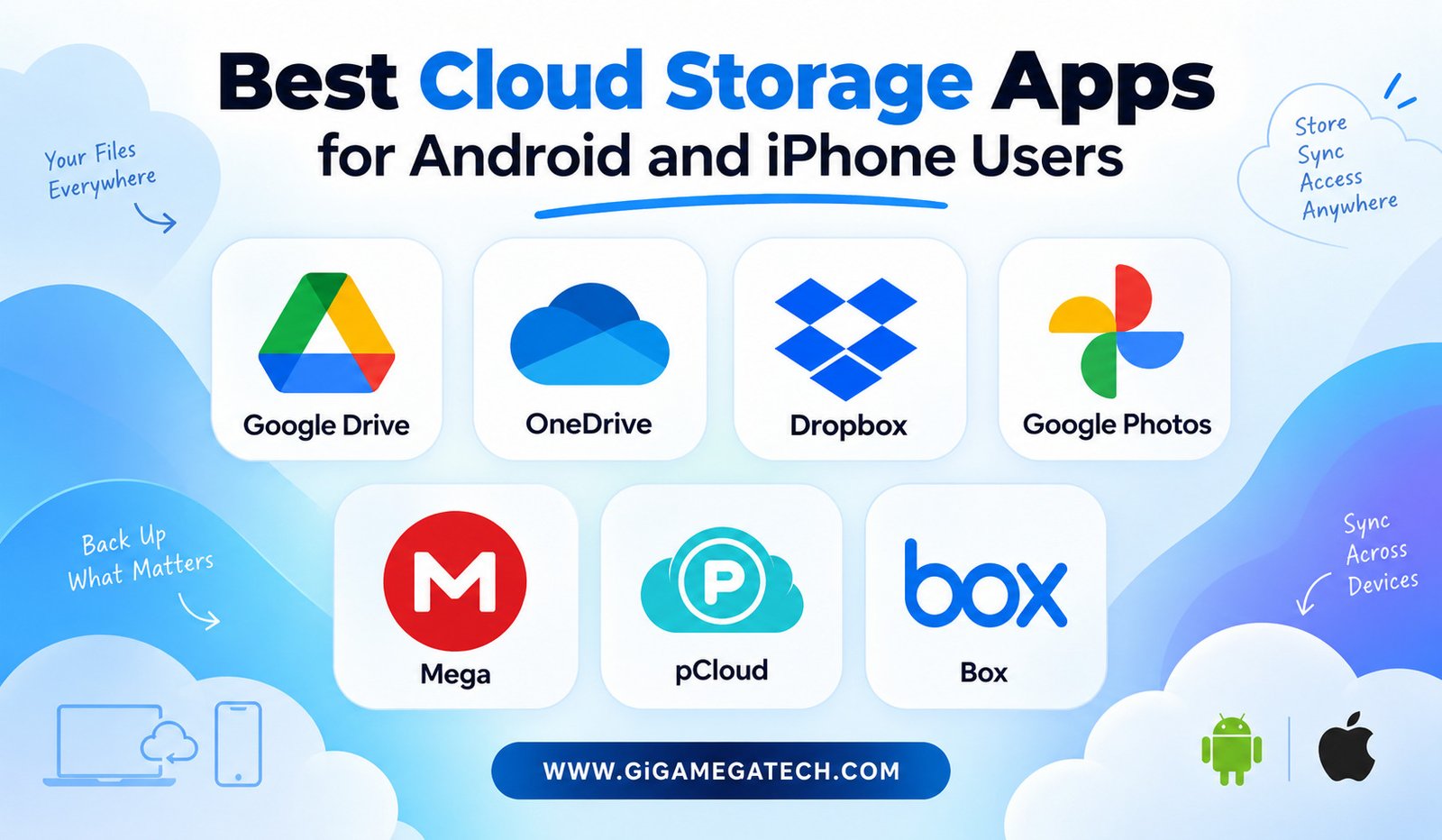
Running out of storage in the middle of taking a photo or downloading a file is a familiar kind of frustration. The best cloud storage apps for Android and iPhone solve that problem by moving your files off your device and into the cloud, where they stay accessible from anywhere. This guide covers seven services worth considering, whether you need basic backup or advanced encryption.
Cloud storage does more than free up space. It protects your files if your phone gets lost or damaged, and it makes sharing documents with coworkers or family far simpler than emailing large attachments back and forth.
Google Drive for Seamless Google Integration
Google Drive works especially well for anyone already using Gmail, Google Docs, or an Android phone. Files created in Google’s apps save directly to Drive without any extra steps.
The free tier includes a generous amount of storage shared across Gmail, Photos, and Drive together. For most casual users, that free allotment covers a surprising amount of daily use before an upgrade becomes necessary.
Key Features
- Automatic sync across Android, iPhone, and desktop browsers
- Real-time collaboration on Docs, Sheets, and Slides
- File sharing with adjustable permission levels
- Offline access to selected files without an internet connection
Google Drive suits people already invested in the Google ecosystem. For iPhone users outside that ecosystem, it still works well, though some integrations feel slightly less native than on Android.
Microsoft OneDrive for Office 365 Users
OneDrive ties closely into Microsoft 365, making it a natural choice for professionals who use Word, Excel, and Outlook regularly. Files saved from these apps sync to OneDrive automatically.
Standout Tools
- Deep integration with Word, Excel, and PowerPoint
- Personal Vault feature for extra-secure file storage
- Cross-platform sync across Windows, Android, and iPhone
- Automatic camera backup for photos and videos
OneDrive plans often bundle with an Office 365 subscription, which adds real value if you already pay for Microsoft’s productivity suite. Standalone storage plans are also available for users who only need the cloud storage piece.
Dropbox for Reliable File Syncing
Dropbox built its early reputation on being simple and dependable, and that reputation still holds. Its interface stays clean, which makes it approachable for people new to cloud storage.
Everyday Features
- Smart Sync that keeps files available without using local storage
- File request links for collecting documents from others
- Version history that lets you restore earlier file versions
- Broad integration with third-party apps and tools
Dropbox’s free tier offers less storage than some competitors, but its syncing reliability across devices remains a strong selling point. It works equally well on Android and iPhone without favoring either platform.
Google Photos for Automatic Photo Backup
While Google Drive handles general files, Google Photos focuses specifically on images and videos. It backs up your camera roll automatically, freeing up space without manual folder management.
Notable Features
- Automatic backup of photos and videos in the background
- Face recognition for organizing pictures by person
- Basic editing tools built directly into the app
- Search by object, location, or date without manual tagging
Google Photos includes a free storage tier tied to your Google account, with paid upgrades available once you exceed the limit. For anyone whose phone storage keeps filling up with photos, this app alone can solve most of the problem.
Mega for Privacy and Encryption
Mega takes a stronger stance on privacy than most mainstream cloud storage apps. It uses end-to-end encryption, meaning even Mega itself cannot view the contents of your stored files.
Why Privacy-Focused Users Choose It
- End-to-end encryption applied automatically to all files
- A generous free storage tier compared to many competitors
- File sharing links that still respect encrypted storage
- Cross-platform apps for Android, iPhone, and desktop
Mega asks a bit more of new users during setup compared to Google Drive or Dropbox, since encrypted systems sometimes involve extra steps for password recovery. For anyone prioritizing data privacy above pure convenience, it remains a strong option.
pCloud for Lifetime Storage Plans
Most cloud storage services charge monthly or yearly fees indefinitely. pCloud stands out by offering lifetime plans, where a single upfront payment covers storage permanently.
Core Capabilities
- One-time lifetime purchase option instead of ongoing subscriptions
- Built-in media player for videos and music stored in the cloud
- Optional client-side encryption as an add-on service
- Cross-platform sync across Android, iPhone, and desktop
The lifetime plan requires a larger upfront cost, so it suits people planning to use cloud storage for years rather than months. For short-term needs, a standard subscription from another provider may work out cheaper.
Box for Business File Management
Box focuses primarily on business and team use rather than personal photo backup. Its permission controls and collaboration tools are built for organizations managing shared files across departments.
Business-Focused Features
- Granular permission settings for shared folders
- Integration with business tools like Slack and Microsoft Office
- Detailed activity logs for tracking file changes
- Strong compliance features for regulated industries
Box is less common as a personal cloud storage choice, but for professionals working within a company that already uses it, the mobile app makes accessing shared files on Android or iPhone straightforward.
Key Takeaways
- Best for Google users: Google Drive integrates tightly with Gmail, Docs, and Android.
- Best for Office users: Microsoft OneDrive syncs seamlessly with Word, Excel, and Outlook.
- Best for reliability: Dropbox offers dependable syncing across every major platform.
- Best for photo backup: Google Photos automatically saves your camera roll.
- Best for privacy: Mega applies end-to-end encryption to all stored files.
- Best for long-term value: pCloud offers a one-time lifetime storage plan.
- Best for business teams: Box focuses on permissions and collaboration at work.
Frequently Asked Questions
Are these cloud storage apps free to use?
Yes, most offer a free tier with limited storage, along with paid plans for more space.
Can I use the same cloud storage app on both Android and iPhone?
Yes, all seven apps listed here work across both Android and iPhone devices.
Which app offers the strongest privacy protection?
Mega stands out for privacy because it applies end-to-end encryption to all stored files automatically.
Do I need a subscription to use Google Photos for backup?
No, Google Photos offers free storage up to a certain limit before requiring a paid upgrade.
Is pCloud’s lifetime plan worth the upfront cost?
It depends on how long you plan to use the service, since the lifetime plan saves money mainly for long-term users.
Conclusion
Finding the best cloud storage apps for Android and iPhone comes down to matching the service to your habits. Google Drive and OneDrive fit naturally into existing ecosystems, Dropbox and Google Photos handle syncing and photo backup reliably, and Mega or pCloud serve people who prioritize privacy or long-term value. Whichever you pick, moving your files to the cloud is one of the simplest ways to protect them and free up space on your phone.