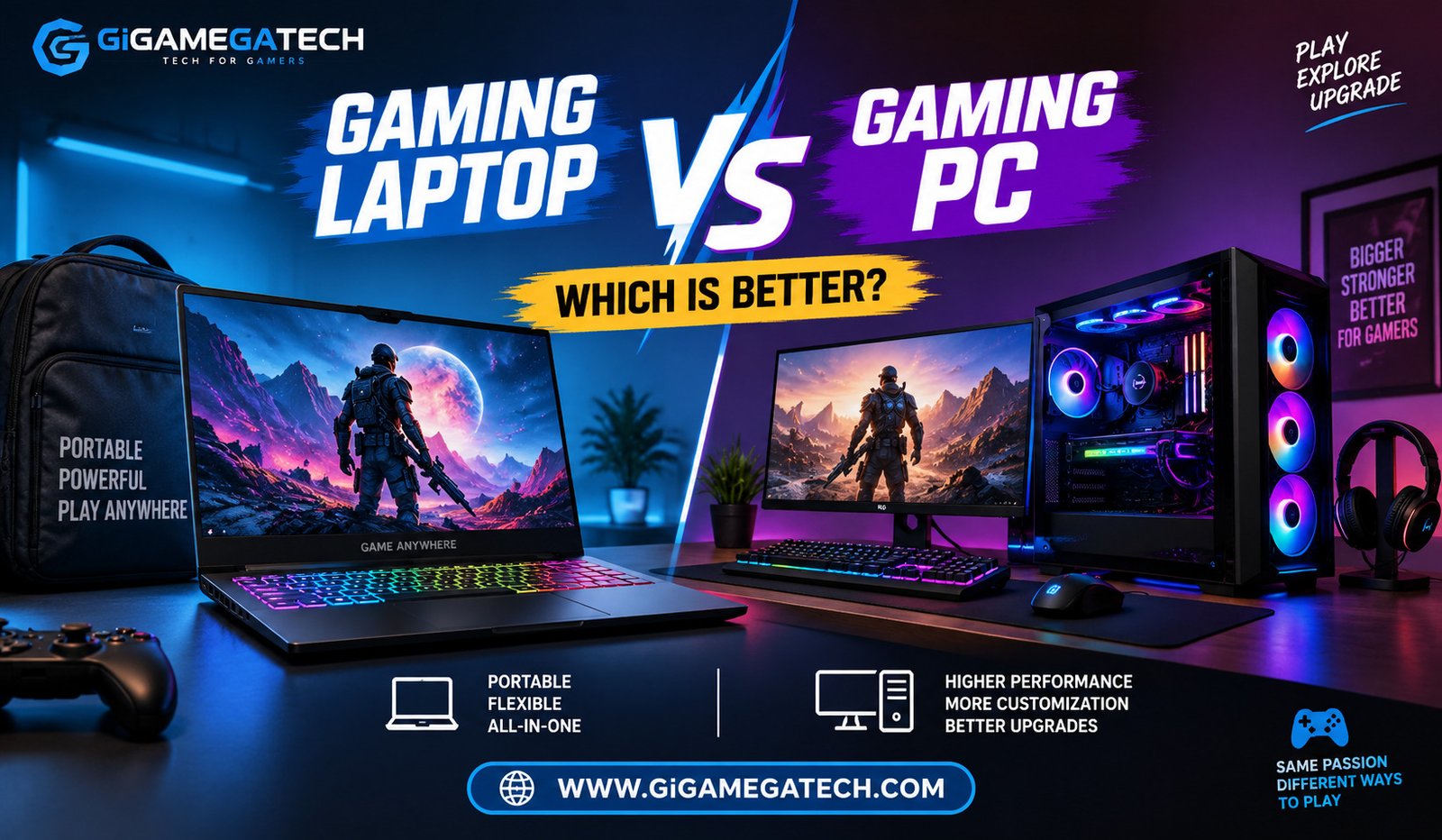
If you are choosing between a gaming laptop vs gaming pc, you are really choosing between two different lifestyles. One is built for movement, the other for muscle. Both can run modern games well, but they get there in very different ways. This article will walk through performance, portability, upgrades, cost, and comfort, so you can decide which setup actually fits how you play.
Performance and Raw Power
A desktop gaming PC almost always wins on raw performance for the same budget. Desktop parts are larger, so they can run hotter without throttling.
A laptop squeezes similar hardware into a tiny shell. That means the chips inside often run at lower clock speeds to avoid overheating.
For most people, this gap only matters at the high end. Casual and mid range gaming feels similar on either machine.
Desktop hardware usually delivers more frames per rupee spent, since there is no need to pay for battery efficiency or a slim design.
When Performance Matters Most
- Competitive esports at high frame rates
- 4K gaming with ray tracing turned on
- Video editing or 3D rendering alongside gaming
Portability and Everyday Convenience
This is where the gaming laptop wins without much argument. You can carry it to a friend’s house, a hostel room, or a coffee shop.
A desktop stays put. Moving it means unplugging a tangle of cables and hoping nothing gets damaged in transit.
Laptops also include a built in screen, keyboard, and battery, so there is nothing extra to set up.
Portability becomes a bigger factor if you travel often for work or study and still want to game in your free time.
Who Benefits Most From a Laptop
- Students moving between hostel and home
- People who travel for work
- Gamers with limited desk space
Upgradability and Long Term Repairs
Desktops are built to be opened up. Swapping a graphics card, adding memory, or replacing a power supply is usually simple.
Laptops are much more limited. Many modern models solder the memory and storage directly to the board, so nothing can be swapped later.
Repairs also tend to cost less on a desktop, since parts are standard and widely available.
Upgradability is one reason many long term PC gamers keep the same desktop case for a decade, replacing parts one at a time.
Common Desktop Upgrades
- Graphics card for better frame rates
- Extra RAM for smoother multitasking
- Larger or faster storage drive
Cost and Value Over Time
At first glance, laptops and desktops in the same price range can look evenly matched on paper. In practice, the desktop usually offers more performance for the same money.
That gap exists because a desktop does not need a battery, a screen, or a compact cooling system built into the price.
Over several years, a desktop can also work out cheaper. You replace one part at a time instead of buying an entirely new machine.
A laptop, once it starts struggling with newer games, generally needs a full replacement rather than a partial upgrade.
Cooling, Noise, and Comfort
Desktops have room for large fans, thick heatsinks, and sometimes liquid cooling. This keeps temperatures lower even during long gaming sessions.
Laptops rely on small fans packed close to hot components. Under heavy load, many laptops get noticeably loud and warm on the base.
Cooling performance directly affects how long a chip can run at full speed before it slows itself down to stay safe.
Desk setups with a desktop also allow for a separate monitor, keyboard, and chair, which many gamers find more comfortable for long sessions.
Quick Comparison
| Factor | Gaming Laptop | Gaming PC (Desktop) |
| Raw performance per rupee | Lower components are downclocked to manage heat | Higher larger parts run at full speed without throttling |
| Portability | Excellent built-in screen, keyboard, and battery | None — stays fixed at your desk |
| Upgradability | Very limited memory/storage often soldered in | Excellent swap GPU, RAM, storage, PSU individually |
| Repair cost | Higher proprietary parts, specialist service | Lower standard, widely available parts |
| Long-term cost | Higher usually needs full replacement | Lower upgrade one part at a time over years |
| Cooling & noise | Runs hotter and louder under load | Quieter and cooler room for big fans/liquid cooling |
| Best for | Students, frequent travelers, tight desk space | Esports, 4K/ray tracing, rendering, best value per rupee |
Key Takeaways
- Better raw performance per rupee: Desktop gaming PC, for the same budget.
- Better portability: Gaming laptop, since it works anywhere with a plug or battery.
- Easier upgrades: Desktop, thanks to swappable parts.
- Lower long term cost: Desktop, through gradual part replacement.
- Quieter, cooler operation: Desktop, due to more space for cooling.
FAQs
Is a gaming laptop as powerful as a gaming pc at the same price?
No, a desktop usually delivers more performance for the same amount of money.
Can I upgrade a gaming laptop later like a desktop?
Most gaming laptops offer very limited upgrade options compared to a desktop.
Which one lasts longer, a gaming laptop or a gaming pc?
A desktop tends to last longer overall, since individual parts can be replaced as they age.
Is a gaming laptop a good choice for someone who travels often?
Yes, a gaming laptop is the better choice for anyone who needs to game while traveling or moving between locations.
Do gaming laptops run hotter than gaming pcs?
Yes, gaming laptops generally run hotter because their cooling systems are smaller and more compact.
Conclusion
There is no single winner in the gaming laptop vs gaming pc debate, only a better fit for your situation. If you value raw power, easy upgrades, and long term savings, a desktop gaming PC makes more sense. If you need something you can carry between rooms, cities, or classes, a gaming laptop is the practical choice. Think about how and where you actually play before deciding which one earns a spot on your desk.