
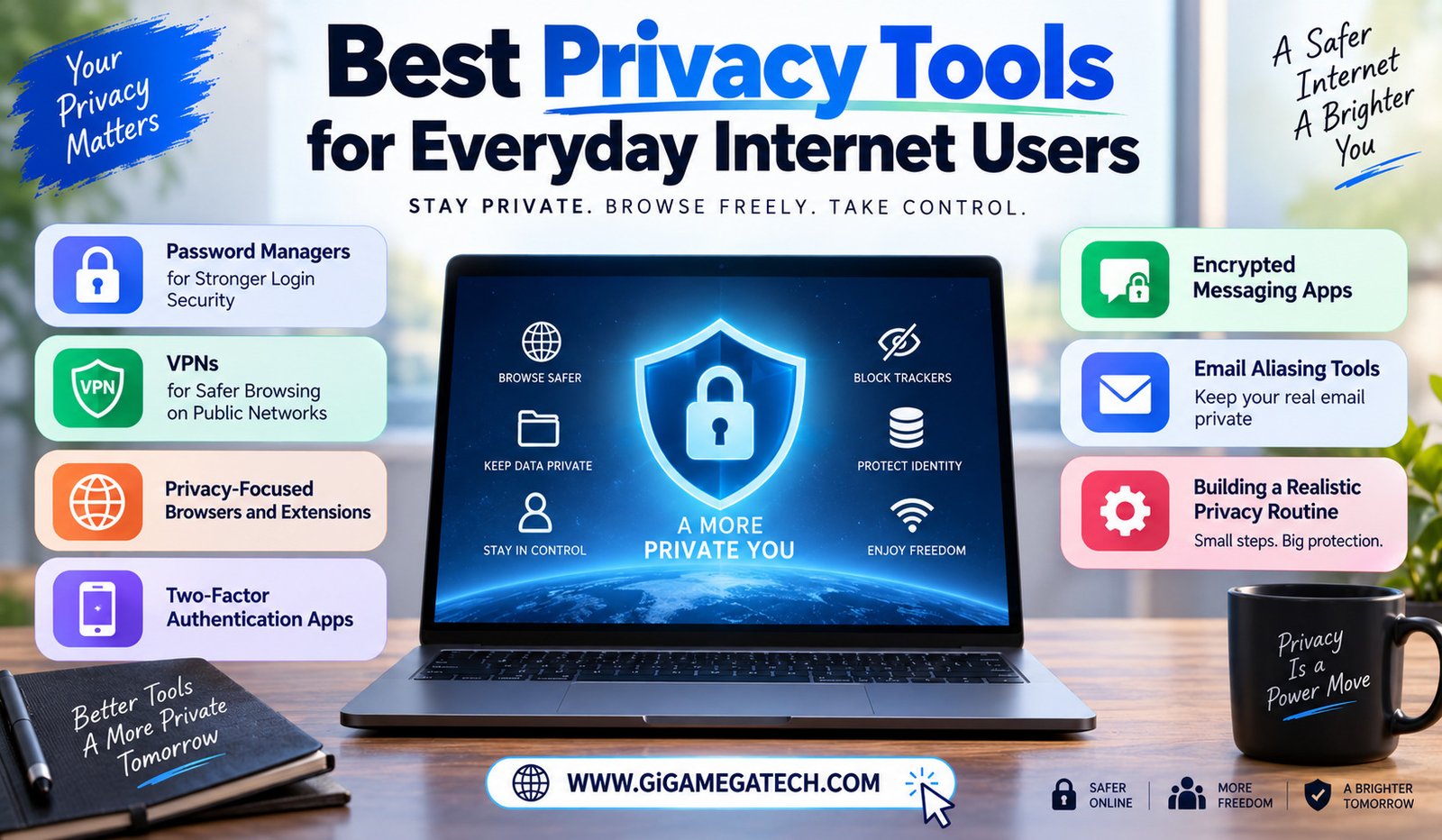
Online privacy used to feel like a concern only for tech experts. That is no longer true. The best privacy tools for everyday internet users are now simple enough for anyone to set up in an afternoon.
You do not need to become a security expert to meaningfully improve your privacy. This guide covers practical tools that fit into normal daily habits without much extra effort.
Why Everyday Privacy Matters More Than Ever
Most people share far more personal information online than they realize, through accounts, browsing habits, and everyday app usage.
Data breaches happen regularly across countless services, meaning reused passwords and weak security habits can expose more than people expect.
A few reasons everyday privacy tools matter:
- Reused passwords put multiple accounts at risk from a single breach
- Public Wi-Fi networks expose unencrypted traffic to potential snooping
- Browsers and websites track behavior more than most users realize
- Simple habits can meaningfully reduce most common privacy risks
Password Managers for Stronger Login Security
Password managers generate and store strong, unique passwords for every account, removing the need to memorize or reuse passwords across sites.
Reusing the same password across multiple accounts is one of the biggest privacy risks most people take without realizing it.
A password manager also stores passwords in an encrypted vault, protected by a single master password you create and remember yourself.
Strengths
- Generates strong, unique passwords automatically
- Removes the need to reuse passwords across accounts
- Autofill features save time during everyday logins
Popular options
- Bitwarden, known for a strong free tier
- 1Password, popular for its simple interface
- Built-in browser or phone password managers, for basic needs
VPNs for Safer Browsing on Public Networks
A VPN, short for virtual private network, encrypts your internet traffic, making it harder for others on the same network to intercept your data.
This matters most on public Wi-Fi, like coffee shops or airports, where unencrypted traffic can potentially be viewed by others on the same connection.
VPNs also mask your actual IP address, adding a layer of privacy from websites tracking your location based on your connection.
Strengths
- Encrypts traffic on unsecured public networks
- Masks your IP address from visited websites
- Useful for accessing content while traveling
Things to consider
- Free VPNs sometimes log or sell user data, so research providers carefully
- A VPN does not make you fully anonymous online
- Paid, reputable providers generally offer better privacy guarantees
Privacy-Focused Browsers and Extensions
Some browsers focus specifically on limiting tracking, blocking third-party cookies and trackers by default rather than requiring manual setup.
Browser extensions can add extra protection to any browser, blocking ads and trackers that follow your browsing activity across different websites.
Combining a privacy-focused browser with a tracker-blocking extension significantly reduces how much of your browsing behavior gets tracked by advertisers.
Popular options
- Firefox, with strong built-in tracking protection settings
- Brave, which blocks ads and trackers by default
- uBlock Origin, a widely used tracker and ad-blocking extension
Two-Factor Authentication Apps
Two-factor authentication adds a second verification step beyond your password, usually a temporary code generated by an app on your phone.
Even if a password gets stolen or leaked, an attacker still cannot access your account without this second verification step in place.
Authentication apps are generally considered more secure than codes sent through text messages, since text messages can sometimes be intercepted.
Popular options
- Google Authenticator, a simple, widely supported option
- Authy, which supports backup across multiple devices
- Built-in authenticator apps from some password managers
Encrypted Messaging Apps
Standard text messages are not encrypted by default, meaning conversations could potentially be intercepted or accessed under certain conditions.
Encrypted messaging apps scramble your messages so that only the sender and recipient can read them, not even the app provider itself.
This protection relies on end-to-end encryption, a method ensuring messages stay private throughout the entire journey between devices.
Popular options
- Signal, widely regarded for strong privacy and encryption practices
- WhatsApp, which also uses end-to-end encryption for messages
- Encrypted email services for more sensitive written communication
Email Aliasing Tools
Email aliasing services let you create disposable or masked email addresses, forwarding messages to your real inbox without exposing your actual address.
This proves useful when signing up for services you do not fully trust, since you can disable the alias later without affecting your main email account.
If a masked address starts receiving spam or gets caught in a data breach, you can simply delete that specific alias, without disrupting your primary email at all.
Strengths
- Keeps your real email address hidden from unfamiliar services
- Easy to disable a specific alias if it gets misused
- Reduces spam reaching your primary inbox over time
Building a Realistic Privacy Routine
Trying to adopt every privacy tool at once often leads to giving up entirely. Start with one or two tools that address your biggest actual risk.
A password manager paired with two-factor authentication covers the most common and damaging privacy risk: compromised account logins.
Once those habits feel natural, consider adding a VPN, privacy browser, or encrypted messaging app based on your specific daily habits and concerns.
Key Takeaways
- Best for login security: Password managers, generating unique passwords
- Best for public Wi-Fi: VPNs, encrypting your internet traffic
- Best for reducing tracking: Privacy-focused browsers and extensions
- Best for account protection: Two-factor authentication apps
- Best for private conversations: Encrypted messaging apps like Signal
- Best for reducing spam exposure: Email aliasing tools
FAQs
Do I really need a password manager if I already use strong passwords?
Yes, a password manager helps ensure every account uses a unique password, not just a strong one.
Are free VPNs safe to use?
Some are, though free VPNs sometimes log or sell user data, so research the specific provider carefully.
Is two-factor authentication necessary if I already have a strong password?
Yes, it protects your account even if your password gets stolen or leaked somehow.
Is Signal actually more private than regular text messaging?
Yes, Signal uses end-to-end encryption, while standard text messages are not encrypted by default.
Do I need to use all of these tools at once?
No, starting with one or two tools addressing your biggest risk is a more realistic approach.
Conclusion
Exploring the best privacy tools for everyday internet users does not require becoming a security expert overnight. Password managers, two-factor authentication, VPNs, privacy-focused browsers, encrypted messaging, and email aliasing each address a different everyday risk. Start with one or two that fit your habits, and your overall online privacy improves significantly.