Introduction
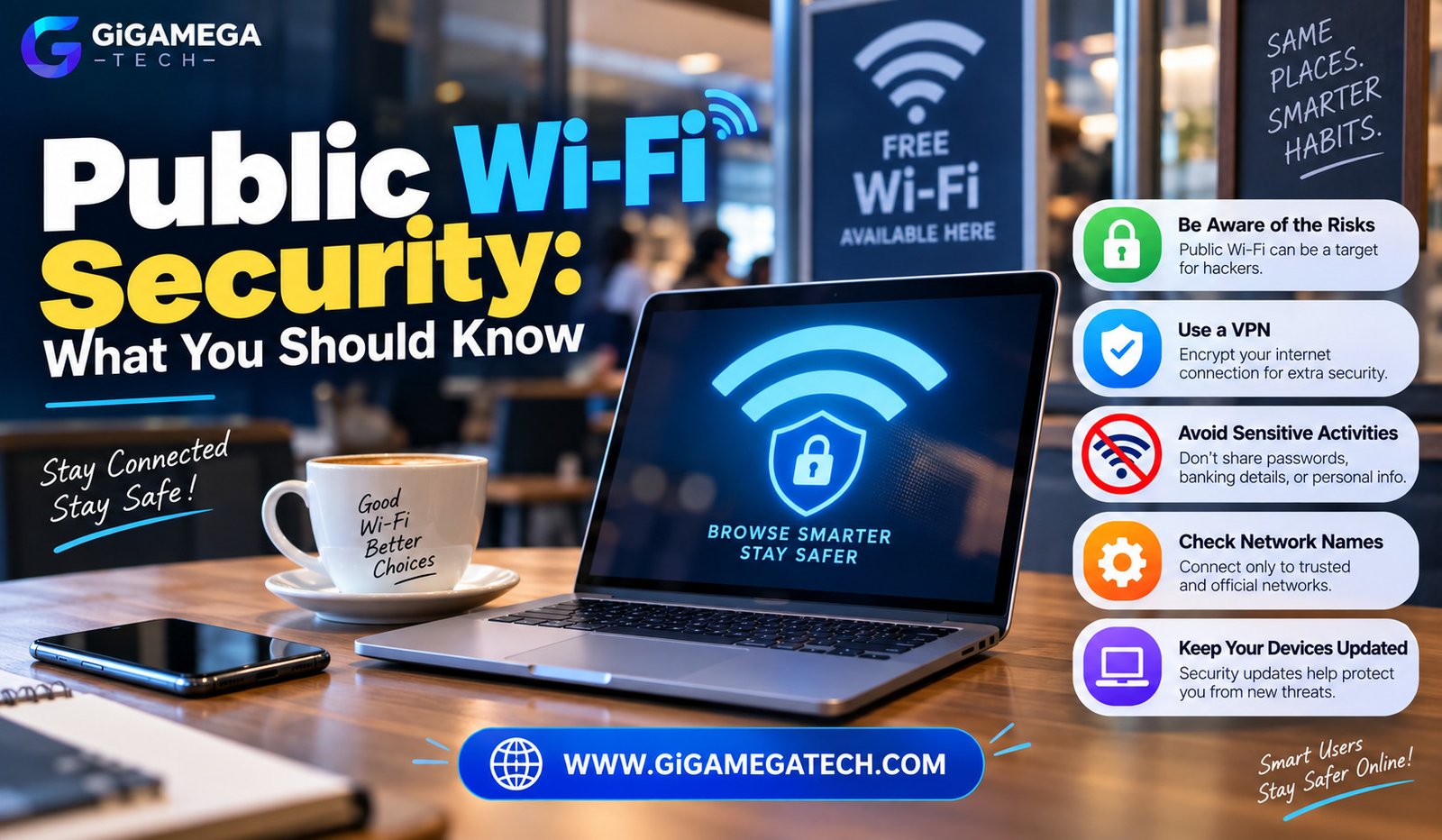
That free Wi-Fi at a coffee shop or airport is convenient, but it comes with real trade-offs. Understanding public Wi-Fi security helps you enjoy that convenience without exposing more than you intend to.
Public networks are inherently less secure than your home connection, since you have no control over who else is using them. This guide covers practical steps to protect yourself while still using public Wi-Fi when needed.
Why Public Wi-Fi Carries Extra Risk
Public Wi-Fi networks are typically open or use a shared password, meaning anyone nearby can potentially join the same network you are using.
This shared access creates opportunities for someone on the same network to intercept unencrypted traffic passing between your device and the internet.
A few reasons public Wi-Fi carries extra risk:
- Shared networks make it easier for others to monitor unencrypted traffic
- Fake networks can mimic legitimate ones to trick unsuspecting users
- Devices often auto-connect to familiar network names without verification
- Many users skip basic precautions since public Wi-Fi feels routine
How Attackers Exploit Public Networks
One common method involves setting up a fake network with a name similar to a legitimate one, hoping people connect without checking carefully.
Once connected to a fake network, an attacker can potentially view unencrypted traffic passing through, including login details on insecure websites.
Another method involves intercepting traffic on a legitimate but unsecured network, since open Wi-Fi does not encrypt data the way a home network with a password typically does.
Common tactics
- Creating fake networks with names resembling real businesses
- Intercepting unencrypted traffic on shared, open networks
- Exploiting devices with outdated software or weak security settings
Use a VPN on Public Connections
A VPN encrypts your internet traffic, making it far more difficult for anyone else on the same network to intercept or read your data.
This protection matters most on public Wi-Fi, where you have no way of knowing who else might be monitoring the same connection.
Using a VPN essentially creates a private, encrypted tunnel for your data, even while connected to an otherwise unsecured public network.
Why this helps
- Encrypts traffic, making interception far more difficult
- Works automatically once configured, requiring no extra steps per connection
- Adds protection regardless of which specific public network you join
Stick to Encrypted Websites
Websites using HTTPS encrypt the data exchanged between your browser and the site itself, adding a layer of protection even without a VPN active.
You can typically spot this through a padlock icon in your browser’s address bar, indicating the connection uses this encrypted method.
Avoid entering sensitive information, like passwords or payment details, on any website that lacks this basic HTTPS encryption in place.
What to check
- Look for a padlock icon in your browser’s address bar
- Avoid entering personal information on sites without HTTPS
- Most modern browsers now warn you before visiting unsecured sites
Avoid Sensitive Transactions on Public Wi-Fi
Even with precautions in place, it remains safer to avoid certain sensitive activities entirely while connected to public Wi-Fi.
Banking transactions, online shopping with payment details, and accessing sensitive work documents all carry higher risk on networks you do not fully control.
If these tasks cannot wait, using a cellular data connection instead of public Wi-Fi generally offers a safer alternative for sensitive activities.
Activities to avoid on public Wi-Fi
- Online banking or entering payment card details
- Logging into sensitive work accounts or systems
- Accessing accounts containing highly sensitive personal information
Turn Off Sharing and Auto-Connect Features
Many devices include file sharing or network discovery features designed for trusted home networks, which become a liability on public ones.
Leaving these features active on public Wi-Fi can expose your device to others on the same network in ways you might not expect.
Disabling auto-connect settings also prevents your device from automatically joining networks with familiar names, including potentially fake ones.
Settings worth checking
- Turn off file sharing when connected to public networks
- Set your network profile to public rather than private or home
- Disable auto-connect for networks with generic or familiar names
Verify the Network Before Connecting
Before joining a public network, confirm the correct network name directly with staff at the location, rather than guessing based on similar-sounding options.
Fake networks often use names extremely close to the real one, hoping users connect to the wrong option without noticing the difference.
Taking a moment to verify the network name directly prevents a large portion of the most common public Wi-Fi attacks entirely.
How to verify
- Ask staff directly for the exact network name and password
- Compare closely similar network names carefully before connecting
- Avoid networks with no password requirement at all, when alternatives exist
Building Safer Public Wi-Fi Habits
Public Wi-Fi does not need to be avoided entirely, but treating it with a bit more caution goes a long way toward staying protected.
Combining a VPN, sticking to encrypted websites, and avoiding sensitive transactions covers most of the practical risk involved in everyday public Wi-Fi use.
Make these habits automatic rather than something you think about only occasionally, since consistency matters more than perfect caution every single time.
Key Takeaways
- Best overall protection: Using a VPN whenever connected to public Wi-Fi
- Best basic check: Confirming a website uses HTTPS before entering information
- Best avoidance habit: Skipping banking and payment tasks on public networks
- Best device setting: Disabling file sharing and auto-connect features
- Best verification step: Confirming the exact network name with staff directly
- Best long-term habit: Treating public Wi-Fi with consistent, routine caution
FAQs
Is it ever safe to use public Wi-Fi without a VPN?
Yes, for basic browsing on HTTPS websites, though sensitive tasks still carry more risk without one.
How can I tell if a public Wi-Fi network is fake?
Verify the exact network name directly with staff, since fake networks often use very similar names.
Does a VPN make public Wi-Fi completely safe?
No, a VPN significantly reduces risk but does not eliminate every possible security concern entirely.
Should I turn off auto-connect on my phone?
Yes, disabling auto-connect prevents your device from automatically joining unfamiliar or potentially fake networks.
Is cellular data safer than public Wi-Fi for sensitive tasks?
Generally yes, cellular data connections carry less risk than open, shared public Wi-Fi networks.
Conclusion
Understanding public Wi-Fi security comes down to a handful of consistent habits: using a VPN, sticking to encrypted websites, and avoiding sensitive transactions when possible. Verifying networks before connecting and adjusting a few device settings adds further protection with little extra effort. Build these habits into your routine, and public Wi-Fi becomes far less risky to use.