Introduction
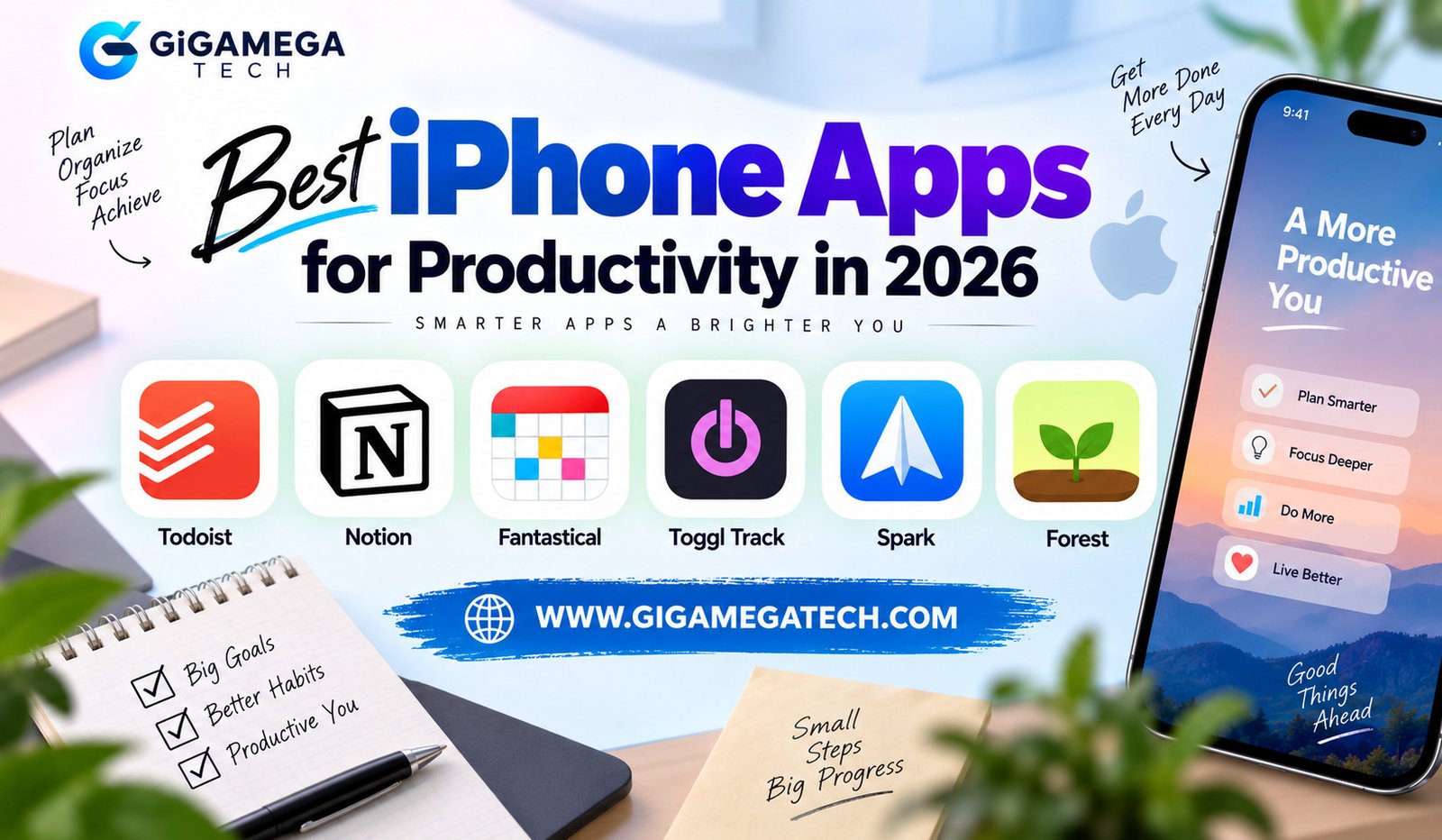
A packed calendar and a growing task list can turn a phone into either a distraction or a genuine tool for getting things done. Choosing the best iPhone apps for productivity comes down to matching an app to a specific problem instead of collecting five apps that all do the same thing. This guide covers six apps that consistently rank among the strongest options for iPhone in 2026, along with a simple way to decide which combination fits a particular routine.
A phone is rarely the place for long, focused work sessions. It is, however, always within reach, which makes it the natural spot for quick capture, fast planning, and short focus checks throughout the day. The apps below were chosen with that reality in mind rather than judged purely on feature count.
Todoist: Best for Task Management
Todoist keeps tasks, due dates, recurring reminders, and to-do lists simple to manage. Typing a task in plain language, such as “email the report every Friday,” automatically sets the due date and repeat schedule.
The free tier is genuinely functional, covering personal task lists, basic projects, and reminders without a subscription. Paid tiers add more projects, reminders, and integrations for people managing larger workloads.
Todoist works well as a standalone app for someone whose main need is a reliable, fast-moving task list rather than a full workspace.
Recurring tasks are where Todoist saves the most time. Bills, weekly check-ins, and habit-style reminders only need to be set up once, since the app automatically reschedules them after each completion. Widgets on the Home Screen also show the day’s remaining tasks without opening the app at all.
Notion: Best for Notes and Flexible Workspaces
Notion combines notes, project boards, and documentation inside one flexible workspace. Templates make it easy to reuse a structure, such as a weekly planning page or a meeting notes format, instead of building one from scratch each time.
The free plan covers unlimited pages and blocks, with a limit on file uploads. The Plus plan costs $10 per month and removes those limits while adding version history.
Complex filtering and database views feel more cramped on a phone screen than on a desktop. Notion on iPhone works best for quick capture and light updates, with heavier database work saved for a larger screen.
A widget on the Home Screen can pin a frequently used page, such as a daily task list or a running project board, so opening the full app is not always necessary just to check a status.
Fantastical: Best for Calendar Planning
Fantastical turns a typed sentence into a full calendar event. Writing “lunch with Sam Thursday at noon” creates an event with the correct date, time, and title without tapping through separate fields.
A free tier covers basic calendar use, including natural language event creation and multiple calendar views. Premium features add more advanced scheduling tools for people managing several calendars at once.
What makes it stand out
- Natural language input for creating events quickly
- Support for viewing multiple calendars together
- Widgets that show upcoming events at a glance
Fantastical suits anyone juggling more than one calendar who wants a faster way to add events than the default Calendar app.
Toggl Track: Best for Time Tracking
Toggl Track records how long a task actually takes, which is useful for freelancers, consultants, or anyone billing by the hour. A single tap starts a timer, and a second tap stops it once the task ends.
Reports break down time by project or client, which makes invoicing and weekly reviews faster. Tracking data over several weeks often reveals patterns that a person did not expect, such as a task that consistently takes longer than planned.
Toggl Track pairs well with a separate task manager, since it focuses purely on measuring time rather than organizing what needs to happen next.
Spark: Best for Email Management
Spark organizes an inbox by grouping similar emails, such as newsletters or receipts, so the messages that need a reply stand out. Smart notifications can be set to highlight only messages from real people rather than every incoming email.
Shared inboxes and email templates help teams manage messages together without forwarding threads back and forth. For individuals, quick replies and snoozing an email until later keep a personal inbox from feeling overwhelming.
Spark works across a personal inbox and a work inbox at the same time, which removes the need to switch between separate mail apps.
A short daily digest is one of the more useful additions. Instead of a flood of notifications throughout the day, Spark can bundle lower-priority messages into a single summary sent at a chosen time, leaving urgent messages to arrive as they come in.
Forest: Best for Staying Focused
Forest tackles a different problem than the apps above: phone distraction rather than task capture. Starting a focus session plants a virtual tree that grows while the phone stays untouched.
Leaving the app early to check something else kills the tree, which creates a small, visual incentive to stay focused. A free tier covers basic focus sessions, while a paid version adds more tree types and a real-world tree-planting partnership.
Forest suits anyone whose biggest productivity problem is picking up the phone mid-task rather than forgetting what needs to be done.
The visual reward system explains much of why the app sticks. Watching a small sapling grow across a session feels different from a plain countdown timer, and a screen full of trees at the end of a week becomes a simple record of focused time. Some versions of the app also plant a real tree once enough virtual trees accumulate, tying the habit to an outcome beyond the phone itself.
How to Choose the Right Productivity Setup
Most people do well with two to four apps rather than one app trying to do everything. Covering planning, task management, and focus usually solves the biggest daily gaps.
- Need a fast, reliable task list? Start with Todoist.
- Managing multiple projects and notes together? Choose Notion.
- Juggling more than one calendar? Add Fantastical.
- Billing clients by the hour? Bring in Toggl Track.
- Drowning in email? Switch to Spark.
- Constantly distracted mid-task? Try Forest.
Picking one app from each category, rather than several apps from the same category, keeps a phone’s home screen from turning into its own distraction.
Key Takeaways
- Best task manager: Todoist, with a genuinely useful free tier and natural language input.
- Best flexible workspace: Notion, strongest for notes and project organization.
- Best calendar app: Fantastical, for fast event creation across multiple calendars.
- Best time tracker: Toggl Track, for billing and spotting time-use patterns.
- Best email app: Spark, for organizing a busy inbox across accounts.
- Best focus app: Forest, for reducing mid-task phone distraction.
FAQs
What are the best iPhone apps for productivity in 2026?
Todoist, Notion, Fantastical, Toggl Track, Spark, and Forest each lead their category among the best iPhone apps for productivity in 2026.
Are these productivity apps free to use?
Todoist, Notion, Fantastical, and Forest all offer a functional free tier, while deeper features sit behind an optional paid plan.
Is Notion good for using on an iPhone screen?
Notion works well for quick notes and updates on an iPhone, though heavier database work is easier on a larger screen.
Do I need more than one productivity app?
Most people benefit from two to four apps that each cover a different task, such as planning, task management, and focus.
Which app helps the most with phone distraction?
Forest is built specifically to reduce mid-task phone distraction through a simple focus timer.
Conclusion
The best iPhone apps for productivity are rarely the ones with the longest feature list. Todoist, Notion, Fantastical, Toggl Track, Spark, and Forest each solve one clear problem well, which is why they consistently show up on top lists for 2026. Picking a small combination of these apps, based on the actual bottleneck in a daily routine, tends to work better than installing every popular option at once.