Introduction
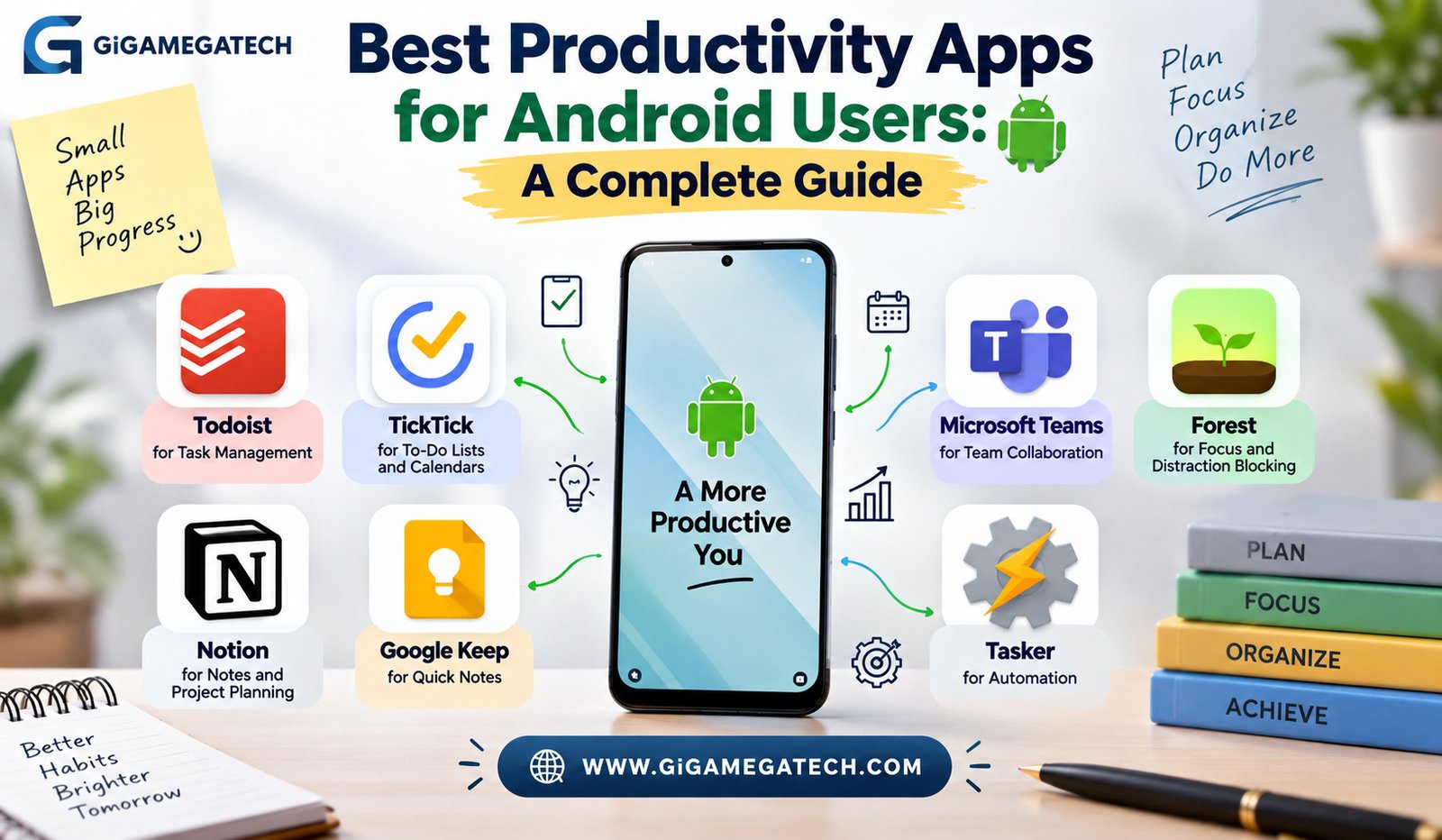
Your phone can either steal your time or save it. The difference usually comes down to which apps sit on your home screen. If you want the best productivity apps for Android, this guide walks through seven tools that actually earn their spot on your device. Each one solves a different problem, from managing tasks to blocking distractions. We cover what each app does, who it suits, and how to get started with it.
Android gives you more freedom to customize your workflow than most people realize. Widgets, automation tools, and deep app integrations mean you can build a system that fits your life instead of forcing your life to fit an app. Let us get into the list.
Todoist for Task Management
Todoist is one of the most widely used to-do list apps on Android. It lets you create tasks, set due dates, and organize everything into projects. Millions of people rely on it daily to keep their work and personal life separate but organized.
The app supports natural language input. You can type “pay rent every 1st of the month” and Todoist will set a recurring reminder automatically. That small feature saves a surprising amount of time.
Key Features
- Priority levels so urgent tasks stand out
- Labels and filters to sort tasks by context
- Shared projects for team or family coordination
- A karma system that tracks your productivity streaks over time
Todoist offers a free plan with basic features. Paid tiers unlock more projects, reminders, and integrations with calendar apps and email tools. For anyone drowning in sticky notes and scattered reminders, this app brings order fast.
TickTick for To-Do Lists and Calendars
TickTick blends task management with a built-in calendar. This combination makes it easier to see your whole day at a glance instead of switching between two separate apps.
The app includes a Pomodoro timer built directly into the task list. You pick a task, start the timer, and work in focused bursts. This is genuinely useful for people who struggle to sit down and start.
Standout Tools
- Habit tracker for building daily routines
- Voice input for adding tasks without typing
- Shared lists for group projects or household chores
- Calendar view that shows tasks and events side by side
TickTick works well for students juggling assignments and deadlines. It also suits professionals who want their calendar and their to-do list living in one place rather than three different apps.
Notion for Notes and Project Planning
Notion is more flexible than a typical note-taking app. You can build databases, wikis, project trackers, and simple journals all inside the same workspace. It works well once you take a little time to set it up the way you like.
The learning curve is real, though. New users sometimes feel overwhelmed by the blank page and endless options. A good approach is to start with a template rather than building from scratch.
Common Uses
- Personal knowledge base for notes and research
- Project boards with tasks, deadlines, and status columns
- Shared team wikis for company documentation
- Meeting notes linked directly to related projects
Notion syncs across Android, desktop, and web, so your notes stay current no matter which device you grab. It works best for people who like customizing their tools rather than accepting a fixed layout.
Google Keep for Quick Notes
Not everyone needs a complex system. Sometimes you just need to jot something down before you forget it. Google Keep handles that job with almost no friction.
The app opens fast and saves notes instantly. Color-coded notes and labels help you find things later without much effort. Since it lives inside the Google ecosystem, it also syncs cleanly with Gmail and Google Docs.
Why People Stick With It
- Instant sync across phone, tablet, and browser
- Voice-to-text notes for hands-free capture
- Checklists for shopping or packing
- Reminders tied to a location, not just a time
Google Keep will not replace a full project management app. But for capturing quick thoughts, grocery lists, and short reminders, it does exactly what it needs to do.
Microsoft Teams for Team Collaboration
Teams work is a different challenge than personal task management. Microsoft Teams combines chat, video calls, and file sharing into one app built for group coordination.
Its tie to Office 365 is a major advantage for anyone already using Word, Excel, or Outlook. Files open and edit directly inside the chat thread instead of forcing a switch between apps.
Core Capabilities
- Group and one-on-one chat with threaded replies
- Video meetings with screen sharing
- Shared channels organized by project or department
- Direct access to Office files without leaving the app
For remote or hybrid teams, this kind of central hub reduces the number of tools people need to check throughout the day. It also cuts down on missed messages scattered across email and separate chat apps.
Forest for Focus and Distraction Blocking
Willpower alone rarely beats a phone full of notifications. Forest takes a different approach by making focus feel like a small game. You plant a virtual tree, and it grows while you avoid touching your phone.
Leave the app before the timer ends, and your tree dies. That small consequence is oddly effective for keeping people on task. Over time, your completed sessions build a small virtual forest you can look back on.
What Makes It Work
- Visual progress that feels rewarding, not punishing
- Optional real tree planting through a partnership program
- Blocklists for specific distracting apps
- Session history to track focus habits over weeks
Forest suits people who respond better to gentle games than strict rules. It will not stop a determined scroller, but it removes a lot of the casual, mindless phone checking that eats up a day.
Tasker for Automation
Tasker is the most technical app on this list, and also one of the most powerful. It lets you build automated routines based on triggers like time, location, or Wi-Fi connection.
For example, you can set your phone to switch to silent mode automatically when you arrive at work. Or have it text a family member when you leave the gym. The possibilities depend entirely on how deep you want to go.
Popular Automations
- Auto-reply to texts while driving
- Battery-saving profiles triggered by low charge
- Smart home device control based on location
- Custom shortcuts for repetitive daily actions
Tasker has a steeper learning curve than the other apps here. Community forums and shared profiles make it easier to start, since you can import someone else’s setup and adjust it instead of building everything from zero.
Key Takeaways
- Best for task lists: Todoist offers simple, flexible task management with natural language input.
- Best all-in-one planner: TickTick combines tasks, calendar, and a Pomodoro timer.
- Best for note-taking depth: Notion supports databases, wikis, and project boards.
- Best for quick capture: Google Keep saves fast notes with almost no setup.
- Best for team communication: Microsoft Teams centralizes chat, calls, and files.
- Best for focus: Forest gamifies staying off your phone during work sessions.
- Best for automation: Tasker builds custom routines triggered by time or location.
Frequently Asked Questions
Are these productivity apps free to use on Android?
Most of the apps on this list offer a free plan, though several also sell paid tiers with extra features.
Which app is best for students?
TickTick tends to suit students well because it combines a calendar, task list, and habit tracker in one place.
Do these apps sync across multiple devices?
Yes, all seven apps sync data across Android, desktop, and web versions of the app.
Is Tasker difficult to set up for beginners?
Tasker has a learning curve, but importing shared community profiles makes it easier to get started.
Can I use more than one of these apps together?
Yes, many people pair a task app like Todoist with a focus app like Forest and a notes app like Notion.
Conclusion
Choosing from the best productivity apps for Android really depends on what part of your day feels the most chaotic. If tasks keep slipping through the cracks, start with Todoist or TickTick. If your notes are scattered everywhere, give Notion or Google Keep a try. If focus is the real struggle, Forest can help retrain your habits, while Tasker lets you automate the small stuff so you can spend your energy on work that actually matters.