Introduction
Walking into a laptop aisle, or scrolling through an online store, can feel overwhelming fast. Learning how to choose the right laptop starts with ignoring the spec sheet for a moment and focusing on what you actually do daily.
Specs matter, but only once you know what problem the laptop needs to solve. This guide breaks down the key factors worth considering before you spend your money.
Why Laptop Shopping Gets Overwhelming
Every brand markets its laptops using slightly different terms, making side-by-side comparisons harder than they should be.
On top of that, most buyers are shown specs without context. A number like 16GB of RAM means little without knowing what tasks actually need it.
A few reasons laptop shopping feels confusing:
- Marketing language often overstates minor upgrades
- Similar-looking laptops can have very different internal components
- Reviews frequently focus on gaming or heavy tasks most buyers do not need
- Price does not always reflect real-world usefulness for a specific buyer
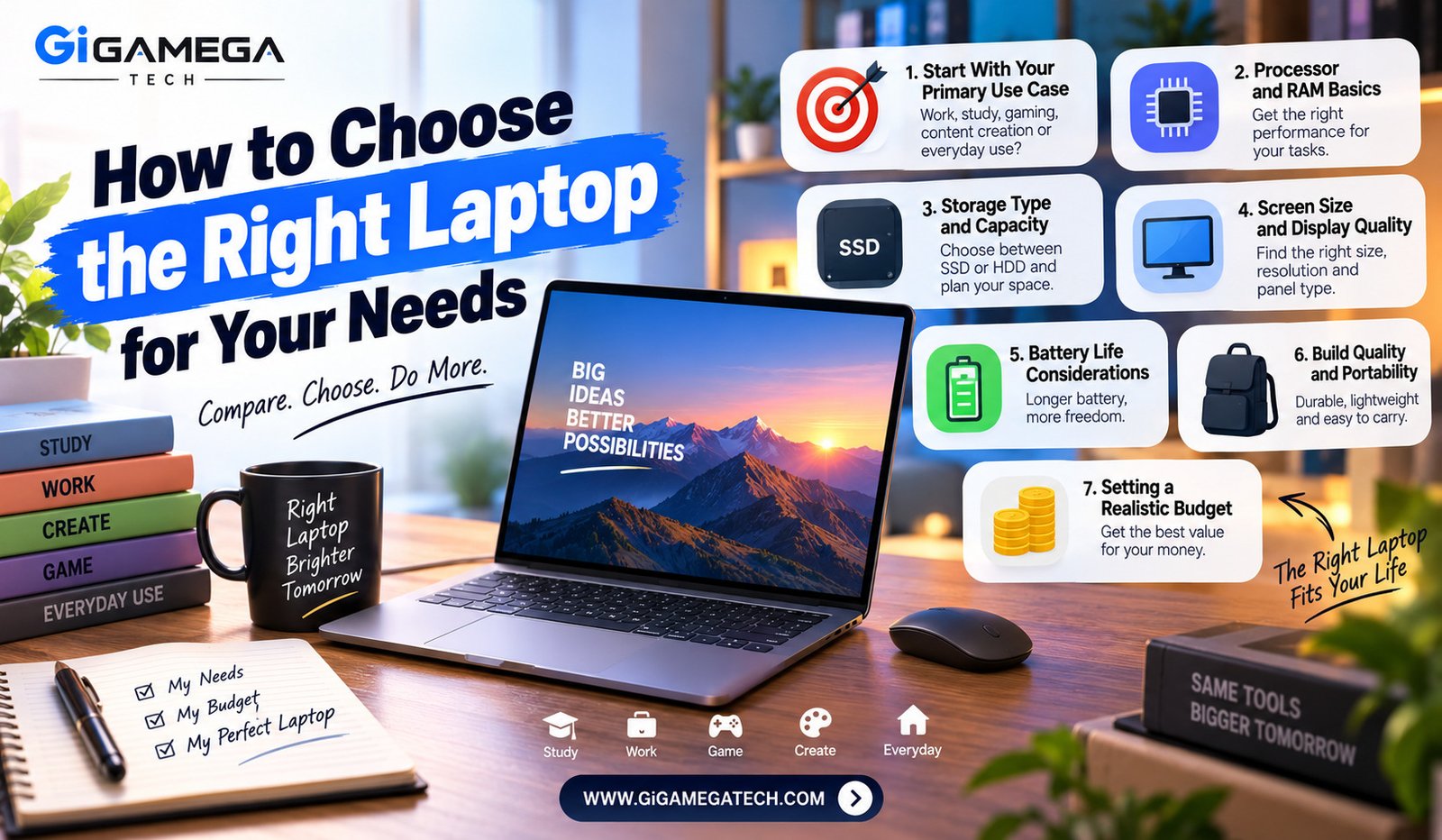
Start With Your Primary Use Case
Before comparing any specs, figure out what you will mostly use the laptop for. A student writing essays needs something very different from a video editor.
Common use cases include basic browsing and office work, creative tasks like photo or video editing, programming, and gaming. Each of these leans on different hardware strengths.
Identifying your primary use case first prevents overspending on power you will never actually use, or underspending on something that will frustrate you daily.
Common categories
- Everyday browsing, email, and document work
- Creative work like photo editing or video production
- Software development and coding
- Gaming and other performance-heavy tasks
Processor and RAM Basics
The processor, often called the CPU, handles most of the actual computing work. Faster processors handle demanding tasks more smoothly, though everyday tasks rarely need the fastest option available.
RAM affects how many programs and browser tabs you can run smoothly at once. Running low on RAM often causes noticeable slowdowns, especially with many tabs open.
For most everyday users, 8GB of RAM covers basic tasks, while heavier multitasking or creative work benefits from 16GB or more.
General guidance
- Basic browsing and office work: entry-level processor, 8GB RAM
- Multitasking or light creative work: mid-range processor, 16GB RAM
- Heavy creative work or programming: stronger processor, 16GB RAM or more
Storage Type and Capacity
Storage type matters as much as capacity. Solid-state drives, known as SSDs, load programs and files far faster than older hard disk drives.
Most modern laptops now ship with SSD storage as standard, though capacity still varies quite a bit between models and price points.
If you work with large files regularly, like video footage, consider a laptop with higher storage capacity or the option to add external storage later.
General guidance
- 256GB SSD: fine for basic use with cloud storage habits
- 512GB SSD: comfortable for most general users
- 1TB SSD or more: better suited for large media files or many installed programs
Screen Size and Display Quality
Screen size affects both portability and comfort. Smaller screens, around 13 to 14 inches, travel easier, while larger screens around 15 to 16 inches suit users who mostly stay at a desk.
Display quality matters beyond size alone. Resolution and color accuracy affect how sharp text looks and how accurate colors appear, which matters more for creative work.
If you plan to carry the laptop often, prioritize a model with a lighter, more compact design, even if it means a slightly smaller screen.
Things to check
- Screen resolution, ideally at least Full HD
- Panel type, since some display technologies show richer colors
- Overall weight if portability matters to your daily routine
Battery Life Considerations
Battery life varies enormously between laptop models, even within the same price range. Manufacturer estimates often assume light use, so real-world battery life tends to run shorter.
If you plan to work away from an outlet often, prioritize battery life over slightly better specs elsewhere.
Reading actual battery life reviews, rather than relying only on manufacturer claims, gives a more realistic picture of what to expect day to day.
Things to check
- Independent review benchmarks, not just manufacturer claims
- Battery capacity relative to screen size and processor demands
- Whether fast charging is supported for quick top-ups
Build Quality and Portability
Build quality affects how well a laptop holds up over years of daily use. Metal chassis designs generally feel sturdier than plastic builds, though plastic laptops can still be perfectly durable.
Hinge quality matters more than people expect, since a loose or wobbly hinge becomes annoying quickly with daily use.
If you travel with your laptop often, weight becomes a real factor. A laptop that feels fine at home can feel noticeably heavy after carrying it daily in a bag.
Things to check
- Chassis material and overall sturdiness
- Hinge stability when opening and closing the lid
- Weight, particularly if you commute or travel with it regularly
Setting a Realistic Budget
Set a budget range before browsing specific models, since specs alone can pull you toward spending more than you actually need.
Within that budget, prioritize the specs that matter most for your primary use case, rather than trying to maximize every category at once.
It often makes sense to spend slightly more on RAM and storage upfront, since these are harder or impossible to upgrade later on many modern laptops.
Budget tips
- Decide your top one or two priorities before comparing models
- Avoid paying extra for specs your use case does not need
- Check upgrade options, since some components cannot be changed later
Putting It All Together
Choosing a laptop becomes far simpler once you know your primary use case, rather than starting from a spec sheet with no context.
Match your processor and RAM needs to your actual daily tasks, prioritize storage type over raw capacity where possible, and weigh portability against screen size honestly.
Take your time comparing a few specific models rather than trying to compare every laptop on the market. A focused shortlist usually leads to a better final decision.
Key Takeaways
- Start here: Identify your primary use case before comparing specs
- Processor and RAM: Match power to your actual daily tasks
- Storage: Prioritize SSDs, with capacity based on file size needs
- Screen: Balance size against portability requirements
- Battery life: Rely on independent reviews, not manufacturer claims
- Budget: Prioritize RAM and storage, since these are hardest to upgrade later
FAQs
How much RAM do I actually need for everyday use?
Eight gigabytes of RAM is generally enough for basic browsing and office tasks.
Is an SSD really better than a hard disk drive?
Yes, SSDs load programs and files noticeably faster than traditional hard disk drives.
Does a bigger screen always mean a better laptop?
No, a bigger screen often means reduced portability, so the right size depends on how you plan to use it.
Should I trust manufacturer battery life claims?
Independent review benchmarks generally give a more realistic picture than manufacturer estimates.
Can I upgrade RAM and storage after buying a laptop?
Some laptops allow upgrades, though many modern thin laptops have RAM and storage built in permanently.
Conclusion
Figuring out how to choose the right laptop comes down to matching hardware to your actual daily habits, not chasing the highest specs available. Consider your primary use case, prioritize the right processor, RAM, and storage combination, and weigh portability against your budget realistically. A little research upfront leads to a laptop that actually fits how you work.