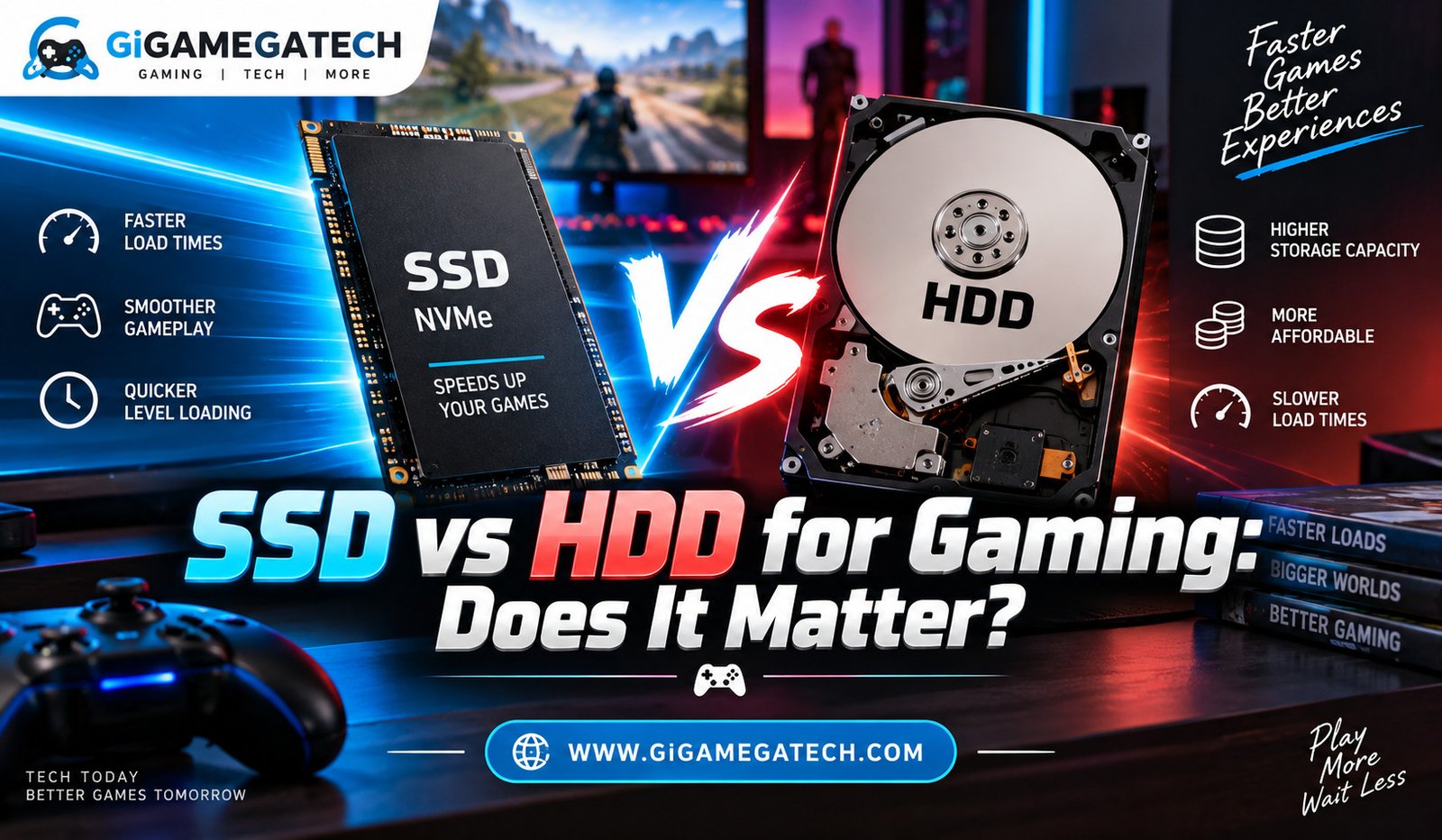
Every gamer has sat through a loading screen and wondered if their hardware was the problem. The short answer is that ssd vs hdd for gaming makes a real difference, but not in every part of the experience. This guide breaks down where storage speed actually matters, where it does not, and what setup makes sense for your budget and games.
Quick Comparison
| Factor | SSD | HDD |
| How it stores data | Flash memory chips, no moving parts | Spinning magnetic platters with a read arm |
| Speed | SATA SSD around 500 MB/s, NVMe up to several thousand MB/s | Roughly 100 to 160 MB/s on a 7200 RPM drive |
| Load times | Cuts load times by 40 to 60 percent in many games | Noticeably slower, especially in open world titles |
| Frame rate impact | Minimal, only helps with stutter in DirectStorage titles | None, frame rate is handled by GPU and CPU |
| Durability and noise | Quieter and more resistant to drops and vibration | More sensitive to physical shock, some audible noise |
| Price per gigabyte | Higher, though dropping over time | Lower, better for large game libraries |
| Best use | Operating system and most played games | Backlog and rarely played titles |
What Is the Real Difference Between SSD and HDD
A hard disk drive stores data on spinning magnetic platters, while a solid state drive stores data on flash memory chips with no moving parts. That mechanical difference is the reason for almost every performance gap between the two.
Speed and Access Time
- HDDs need a read arm to physically move across the disk to find data
- SSDs pull data electronically, so there is no wait for parts to move
- A typical SATA SSD reads and writes at roughly 500 MB per second, while a 7200 RPM HDD manages around 100 to 160 MB per second
- NVMe SSDs, which connect through the faster PCIe interface, can hit several thousand MB per second
Durability and Noise
Hard drives have moving parts, so they are more sensitive to drops and vibration. Solid state drives have none, which makes them quieter and generally tougher for laptops that get moved around a lot.
How Load Times Change With an SSD
This is where the storage upgrade shows up the most. Loading a level, respawning after a death, or fast traveling across an open world all depend on how quickly your drive can pull data.
Games built with large open worlds tend to show the biggest gains. Load time reduction of 40 to 60 percent is common when moving a game from HDD to SSD, based on independent benchmark testing by outlets like Digital Foundry and Tom’s Hardware.
A few real examples worth noting:
- Open world titles with large map streaming (like recent racing or RPG games) often cut loading screens by more than half on SSD
- Games with frequent level transitions, such as platformers or mission based shooters, feel snappier between stages
- Fast travel and respawn heavy games (battle royale titles especially) benefit from shorter waits between matches
None of this changes how the game plays once it is loaded. It only changes how long you wait to get there.
Does Storage Type Affect Frame Rates
Here is where a lot of people get confused, and honestly it is a fair mix up. Storage speed and frame rate are mostly separate systems.
Your frame rate is decided by your GPU, CPU, and RAM working together to render each frame. The drive’s job is to deliver files, not to draw images on screen. Once a game level is loaded into memory, the hard drive vs SSD debate mostly stops mattering for how smooth the action looks.
There is one exception worth mentioning. Some newer games use technology like DirectStorage, which streams assets straight from an SSD into the GPU’s memory in real time. In these cases, an SSD can help avoid stutter during fast scene changes, something an HDD genuinely cannot keep up with. This is still a small slice of current titles, but it is growing.
SSD vs HDD for Game Installs and File Size
Modern games are big, and that is putting it mildly. Some AAA titles now cross 100GB, and that changes how people think about storage.
Storage Capacity and Price
- HDDs are cheaper per gigabyte, which makes them appealing for storing a large game library
- SSDs cost more per gigabyte, though prices have dropped steadily over the past several years
- A common setup is a smaller SSD for your most played titles and a larger HDD for everything else
A Simple Way to Decide What Goes Where
- Put your current favorite games, and anything with heavy load screens, on the SSD
- Keep older or rarely played titles on the HDD to save space
- Reinstall from HDD to SSD if a game suddenly becomes your main one again
This hybrid approach is what a lot of budget conscious PC gamers already do, and it works well without needing a huge SSD.
Which One Should You Buy for Gaming
If you are building or upgrading a gaming setup today, the SSD should hold your operating system and your most played games at minimum. That single change affects your daily experience more than almost any other budget upgrade.
An HDD still has a place. If you own dozens of games and only play a handful regularly, pairing a mid sized SSD with a large HDD gives you speed where it counts and cheap storage for the rest.
Key Takeaways
- Biggest SSD benefit: Shorter load times and faster respawns, not higher frame rates
- Frame rate impact: Minimal, since GPU and CPU handle rendering, not the drive
- Best budget setup: SSD for active games, HDD for your backlog
- Newer tech to watch: DirectStorage lets some games stream assets from SSD directly to the GPU
- Primary keyword reminder: the ssd vs hdd for gaming question comes down to loading speed, not visual performance
FAQs
Does an SSD increase FPS in games?
No, an SSD does not raise your frame rate, since that is controlled by your GPU and CPU.
How much faster are load times on an SSD compared to an HDD?
Load times are commonly cut by 40 to 60 percent, though the exact number depends on the specific game.
Can I use an HDD and SSD together in one PC?
Yes, a hybrid setup with an SSD for active games and an HDD for storage is a common and practical choice.
Is NVMe worth it over a regular SATA SSD for gaming?
NVMe offers noticeably faster speeds, but the everyday difference in gaming is smaller than the jump from HDD to any SSD.
Will moving my games from HDD to SSD damage my save files?
No, as long as you use proper game transfer tools or reinstall through your game launcher, your saves stay intact.
Conclusion
So does ssd vs hdd for gaming actually matter? It depends on what part of the experience you care about. Load times and stutter during asset streaming improve noticeably with an SSD, while frame rates stay tied to your GPU and CPU regardless of drive type. For most gamers, the smartest move is keeping active titles on an SSD and using an HDD for the rest of the library, giving you speed where you need it and storage where you do not.