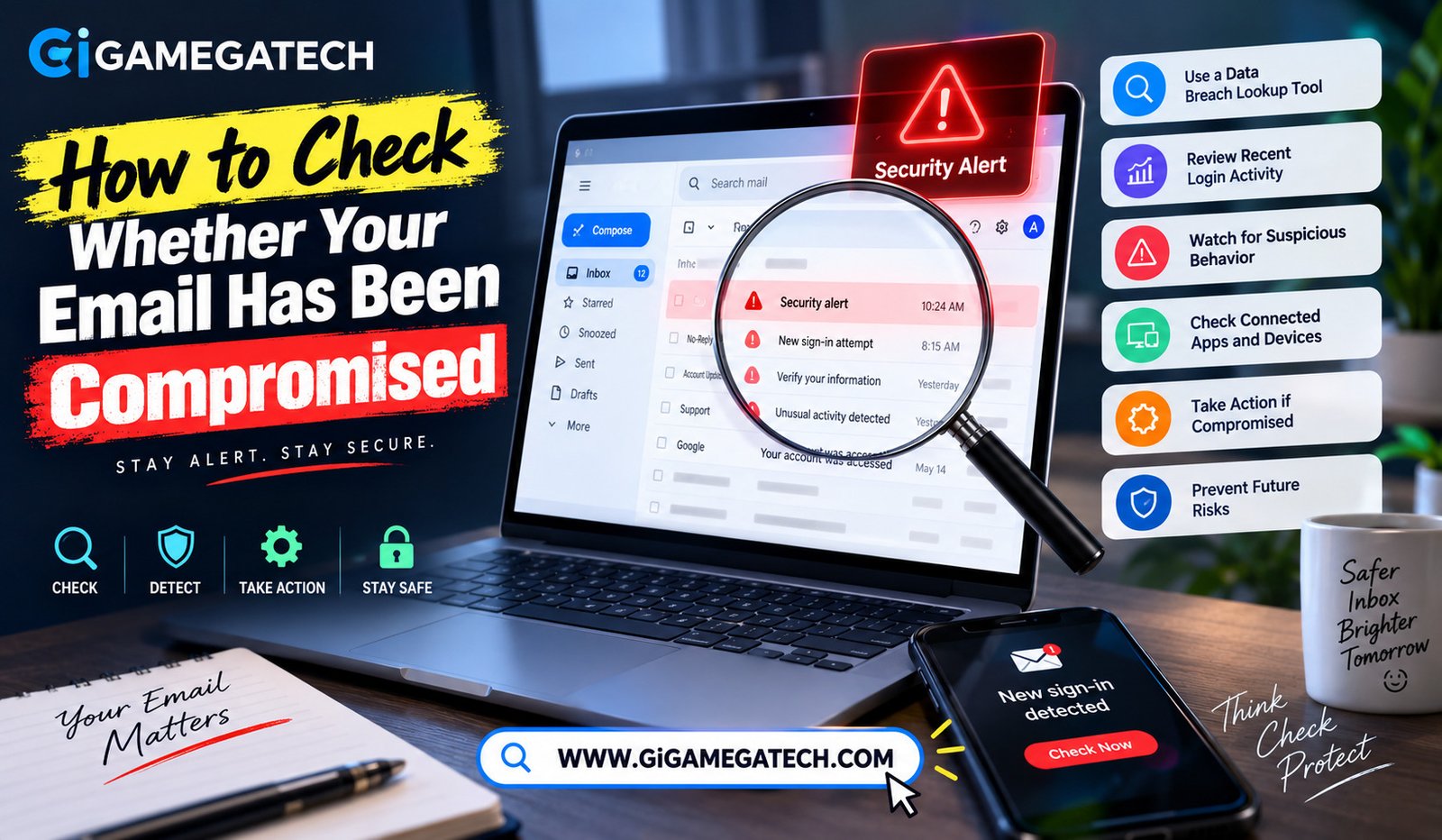
A compromised email account can quietly expose far more than just your inbox. Learning how to check whether your email has been compromised helps you catch a problem before it spreads to other accounts.
Since so many other accounts rely on email for password resets, a compromised inbox can become a gateway to much bigger issues. This guide covers practical ways to check your status and what to do next.
Why Checking for a Compromised Email Matters
Email accounts often serve as the recovery method for banking, shopping, and social media accounts, making them a high-value target for attackers.
A breach does not always announce itself immediately. Sometimes an account gets exposed in a data breach without the affected person ever noticing right away.
A few reasons this matters:
- Email access can lead directly to other accounts through password resets
- Old, unused accounts sometimes get breached without regular monitoring
- Personal information can be exposed even without a direct login by an attacker
- Early detection limits the damage a compromise can cause
Use a Trusted Data Breach Lookup Tool
Several reputable websites let you check whether your email address has appeared in a known data breach, without requiring you to enter a password.
These tools compare your email against databases collected from previously reported breaches across many different websites and services.
One widely recognized tool is Have I Been Pwned, which allows anyone to search an email address against a large collection of known breaches.
How to use it
- Visit a trusted breach lookup website
- Enter your email address, without entering any password
- Review any listed breaches and the type of data exposed in each
Review Your Account’s Recent Login Activity
Most major email providers include a way to view recent login activity, showing the location and device used for each recent sign-in.
Reviewing this list can reveal unfamiliar locations or devices that do not match your own usage, a common early sign of unauthorized access.
Checking this login activity page regularly, even without a specific concern, is a good habit for catching problems early.
How to check login activity
- Go to your email account’s security settings
- Look for a section labeled recent activity or login history
- Review the list for unfamiliar locations or devices
Watch for Signs of Suspicious Account Behavior
Beyond login history, several everyday signs can indicate your email account has already been compromised without your knowledge.
These signs are often subtle at first, easy to dismiss as a technical glitch rather than a genuine security concern.
If you notice several of these signs together, it strongly suggests your account needs immediate attention, rather than being coincidental technical issues.
Common warning signs
- Emails in your sent folder that you did not write
- Password reset emails from services you did not request
- Missing emails or unexpected folder rearrangements
- Contacts mentioning strange messages received from your address
Check Connected Apps and Devices
Over the years, most people connect their email account to various third-party apps and services, some of which may be long forgotten.
Reviewing this list occasionally reveals apps you no longer use or recognize, which could represent an overlooked security risk.
Removing access for unused connected apps reduces the number of ways your account could potentially be accessed without your direct knowledge.
How to check connected apps
- Go to your account’s security or permissions settings
- Review the list of apps with account access
- Remove access for anything unfamiliar or no longer in use
Steps to Take if Your Email Was Compromised
If you confirm a compromise, changing your password immediately becomes the first and most important step to take.
Choose a strong, unique password not used anywhere else, ideally generated and stored through a password manager for future convenience.
After changing your password, enable two-factor authentication if it is not already active, adding an extra layer of protection going forward.
Immediate steps to take
- Change your email password right away
- Enable two-factor authentication if not already active
- Review and remove any unfamiliar connected apps or devices
- Check other accounts linked to that email for suspicious activity
Preventing Future Compromises
Prevention matters just as much as reacting quickly after a breach. Building a few consistent habits significantly reduces future risk.
Using a unique password for your email account, separate from every other account, limits the damage from breaches on unrelated websites.
Regularly reviewing login activity and connected apps, even without a specific concern, catches problems early rather than after significant damage occurs.
Prevention habits
- Use a unique, strong password specifically for your email account
- Enable two-factor authentication as a standing security measure
- Periodically review login activity and connected app permissions
Staying on Top of Your Email Security
Checking your email’s security status does not need to become a constant worry. A quick review every few months covers most practical needs.
Combine breach lookup tools with periodic login activity checks, and you will likely catch most issues well before they cause serious damage.
Treat your email account as a security priority, given how many other accounts rely on it for recovery and verification purposes.
Key Takeaways
- Best first step: Checking a trusted data breach lookup tool
- Best ongoing habit: Reviewing recent login activity regularly
- Best warning signs to watch: Unfamiliar sent emails or unexpected password resets
- Best security check: Reviewing connected apps and removing unused access
- Best immediate response: Changing your password and enabling two-factor authentication
- Best long-term habit: Using a unique password specifically for your email account
FAQs
Is it safe to use a data breach lookup website?
Yes, reputable tools like Have I Been Pwned only require an email address, not a password.
What should I do first if I confirm my email was compromised?
Change your password immediately, then enable two-factor authentication if it is not already active.
Can my email be compromised without me noticing right away?
Yes, some breaches go unnoticed for a while, which is why periodic checks are worth doing.
Should I check connected apps even if I have not noticed a problem?
Yes, reviewing connected apps periodically helps catch overlooked risks before they become a real issue.
Is two-factor authentication really necessary for email?
Yes, since email often serves as the recovery method for many other accounts, extra protection matters significantly.
Conclusion
Learning how to check whether your email has been compromised comes down to a few consistent habits: breach lookups, login activity reviews, and watching for suspicious signs. Acting quickly with a password change and two-factor authentication limits damage if a compromise does happen. Build these checks into a regular routine, and your email account stays significantly more secure over time.