Introduction
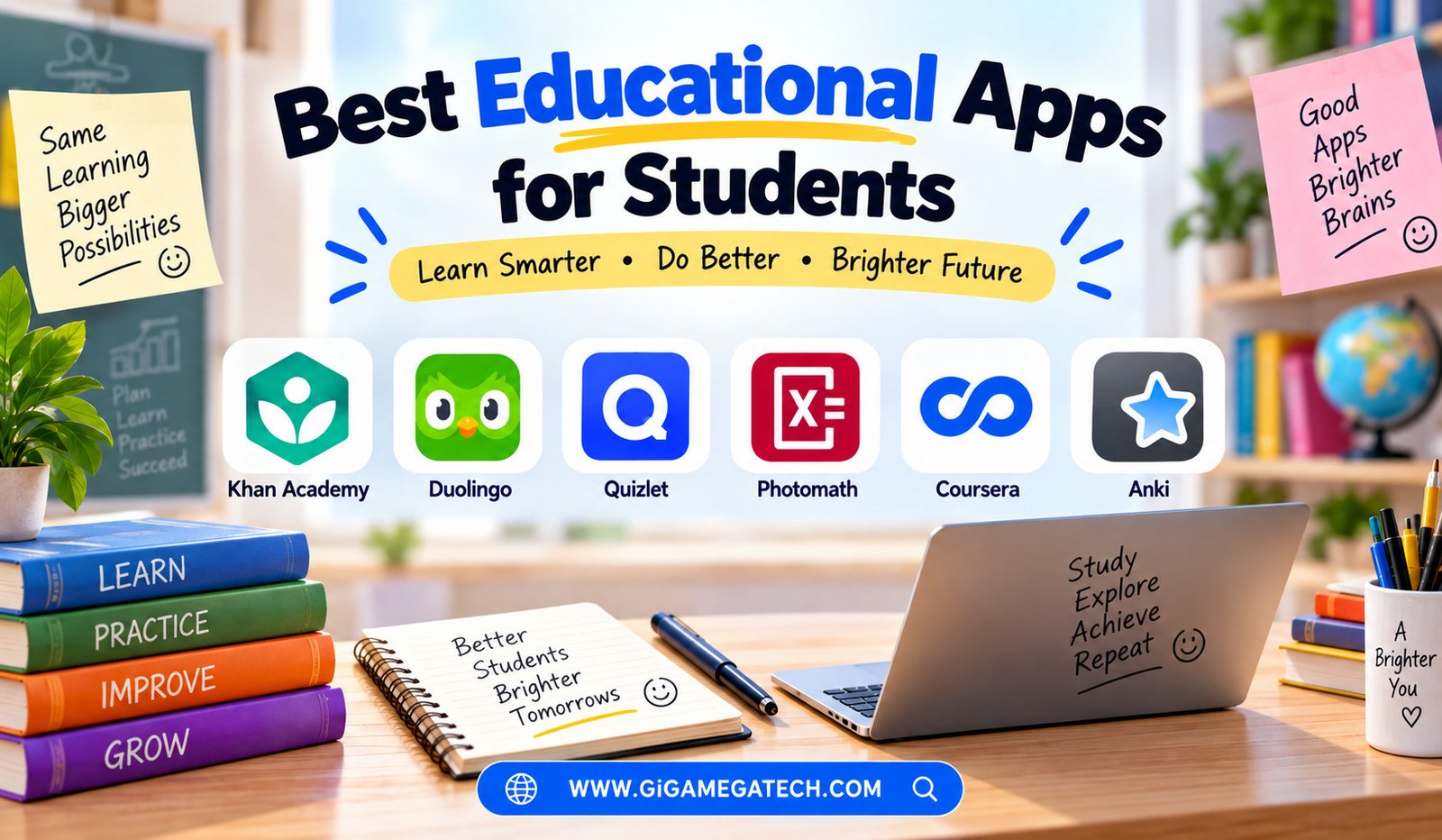
Studying does not have to mean flipping through a textbook alone at a desk. The best educational apps for students bring lessons, practice, and feedback straight to a phone or tablet.
These tools cannot replace a teacher, but they can fill in gaps, reinforce lessons, and make practice feel less like a chore. Below is a look at several strong educational apps, what each one offers, and where each one has limits.
Why Educational Apps Matter for Modern Students
Traditional study methods still work, but they do not always fit a student’s schedule. Apps let you review material during a bus ride or between classes, without needing a full textbook.
A good educational app should give clear feedback, not just present information. Practice without feedback rarely helps much on its own.
Before choosing an app, consider these points:
- Whether the content matches your specific curriculum or exam
- Offline access for studying without internet
- Progress tracking to see improvement over time
- Cost, since some apps charge for full feature access
- How well the app holds your attention without becoming a distraction
Khan Academy Best Free Full-Subject Platform
Khan Academy remains one of the most complete free learning platforms available, covering subjects from math and science to history and economics.
Lessons combine short videos with practice exercises, letting students learn a concept and immediately test their understanding. This combination helps concepts stick better than video alone.
The platform also includes personalized practice sets, adjusting question difficulty based on how a student performs over time.
Strengths
- Completely free with no ads
- Covers a wide range of subjects and grade levels
- Clear video explanations paired with practice questions
Drawbacks
- Some advanced or niche topics are covered less deeply
- Video style may not suit every learning preference
Duolingo Best for Language Learning
Duolingo turned language learning into something closer to a game, using short daily lessons and streak tracking to build a habit.
Each lesson focuses on vocabulary, grammar, or listening practice in small chunks, usually taking just a few minutes to complete. This makes daily practice feel manageable rather than overwhelming.
A key feature is its streak and reminder system, which nudges students to practice consistently rather than cramming occasionally.
Strengths
- Bite-sized lessons that fit into a busy schedule
- Gamified structure that keeps motivation high
- Free version covers a solid amount of content
Drawbacks
- Limited depth for advanced fluency compared to formal courses
- Ads appear frequently on the free tier
Quizlet Best for Flashcard-Based Study
Quizlet centers around digital flashcards, letting students create their own study sets or use ones shared by other users and teachers.
Beyond basic flashcards, the app includes matching games and practice tests, which turn simple memorization into something slightly more active.
One useful feature is shared class sets, where a teacher or classmate can upload a study set that the whole group uses together.
Strengths
- Quick to create and share flashcard sets
- Multiple study modes beyond plain flashcards
- Large existing library of user-created sets
Drawbacks
- Some premium study modes require a paid subscription
- Quality of shared sets can vary since users create them
Photomath Best for Math Problem Solving
Photomath lets students point their phone camera at a math problem and receive a step-by-step solution, rather than just a final answer.
This step-by-step breakdown helps students understand the process behind a solution, not only the result itself. That distinction matters for actually learning the material.
The app covers a wide range of math topics, from basic arithmetic through calculus, adjusting explanations based on the problem type.
Strengths
- Clear step-by-step explanations, not just answers
- Covers many levels of math difficulty
- Camera scanning makes input fast
Drawbacks
- Cannot solve handwritten problems that are unclear or messy
- Full explanation steps sometimes require a paid subscription
Coursera Best for College-Level Courses
Coursera partners with universities and companies to offer structured courses, some of which mirror actual college classes taught by real professors.
Students can audit many courses for free, though certificates and graded assignments typically require payment. This setup works well for students wanting exposure to college-level material early.
A standout feature is its university partnership model, giving access to material from well-known institutions rather than independent content creators alone.
Strengths
- Access to college-level content from recognized universities
- Structured courses with clear start and end points
- Free auditing option for most courses
Drawbacks
- Certificates and graded work usually require payment
- Course pace may feel slower than other app formats
Anki Best for Long-Term Memory Retention
Anki relies on a method called spaced repetition, showing flashcards right before you are likely to forget them rather than at random intervals.
This approach makes it especially popular among students preparing for exams that require memorizing large amounts of material, such as vocabulary or medical terms.
The app allows fully custom flashcard decks, giving students complete control over exactly what and how they study.
Strengths
- Highly effective for long-term memory retention
- Fully customizable decks and study schedules
- Free on most platforms, including desktop and Android
Drawbacks
- Interface feels less polished compared to newer apps
- iOS version requires a one-time paid purchase
How to Choose the Right App for Your Studies
Start with your actual goal. If you need broad subject coverage, Khan Academy is a strong starting point. If you are learning a new language, Duolingo fits that specific need well.
Students preparing for tests with heavy memorization, like vocabulary or anatomy, should look at Anki or Quizlet. Math-heavy coursework pairs well with Photomath for step-by-step understanding.
Do not try to use every app at once. Pick one or two that match your current coursework, and give them a real chance before adding more tools into the mix.
Key Takeaways
- Best free full-subject platform: Khan Academy, covering many topics and grade levels
- Best for language learning: Duolingo, through short daily lessons
- Best for flashcards: Quizlet, with shared study sets and games
- Best for math help: Photomath, using step-by-step explanations
- Best for college-level content: Coursera, backed by university partnerships
- Best for memory retention: Anki, using spaced repetition
FAQs
Are educational apps a good replacement for classroom learning?
No, educational apps work best as a supplement to classroom learning rather than a full replacement.
Is Khan Academy really free?
Yes, Khan Academy is completely free with no ads or hidden charges.
Can Photomath solve any math problem?
It solves a wide range of problems, though very messy or unclear handwriting can cause scanning issues.
What makes Anki different from regular flashcard apps?
Anki uses spaced repetition, timing review sessions based on when a student is likely to forget the material.
Do I need to pay for Coursera courses?
Many courses can be audited for free, though certificates and graded assignments usually require payment.
Conclusion
Choosing among the best educational apps for students depends on the subject and the type of learning you need most. Khan Academy and Coursera suit structured subject learning, Duolingo suits language practice, Quizlet and Anki suit memorization, and Photomath suits math problem solving. Match the app to your actual coursework, and studying starts to feel a lot less like a struggle.